1
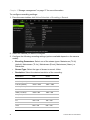
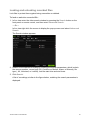
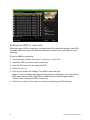
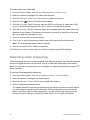
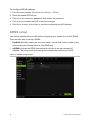
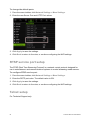
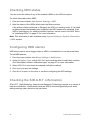
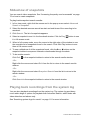
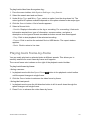
To configure PPPoE settings:
1. From the menu toolbar, click Network Settings > PPPoE.
2. Check the enable PPPoE box.
3. Enter your user name and password, and confirm the password.
4. Click Apply and reboot the NVR to save the settings.
5. Click Back to return to live view, or continue configuring the NVR settings.
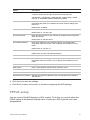
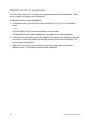
DDNS setup
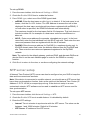
You need to register with your ISP before configuring your system for use with DDNS.
There are two ways to set up a DDNS:
•
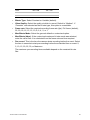
DynDNS: Manually create your own host name. You will first need to create a user
account using the hosting web site, DynDDNS.org.
•
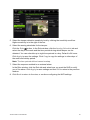
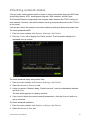
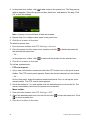
ezDDNS: Activate the DDNS auto-detection function to set up a dynamic IP
address. The server is set up to assign an available host name to your NVR.
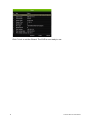
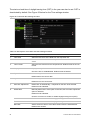
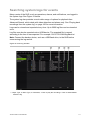
Figure 9: ezDDNS setup window
48
TruVision NVR 10 User Manual