1
05/04 AWB2528-1508GB
Inside easy
EASY-SOFT-BASIC
EASY-SOFT-BASIC is a PC program with which you can
create, store, test (simulate) and manage easy circuit
diagrams.
h
j
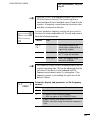
You should only transfer data between the PC and easy
using the special PC interface cable, which is available as
an optional accessory EASY-PC-CAB.
DANGER of electric shock with easy-AC units!
Only the EASY-PC CAB cable will guarantee reliable
electrical isolation from the interface voltage.
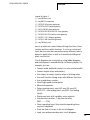
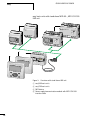
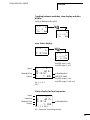
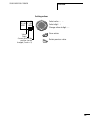
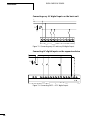
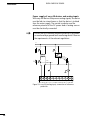
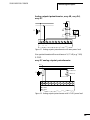
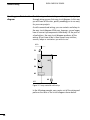
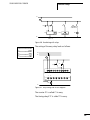
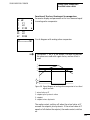
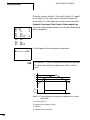
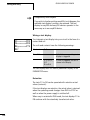
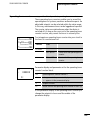
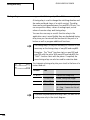
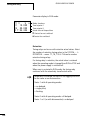
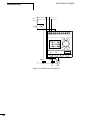
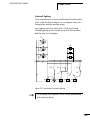
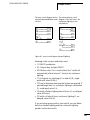
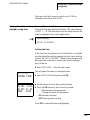
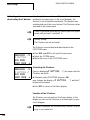
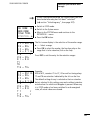
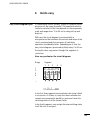
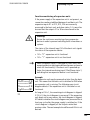
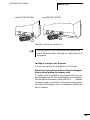
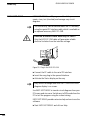
Figure 91: Plug in the EASY-PC-CAB
X Connect the
PC cable to the serial PC interface.
easy plug in the opened interface.
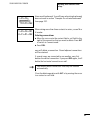
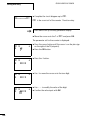
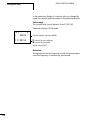
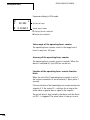
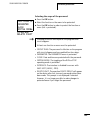
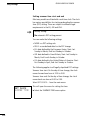
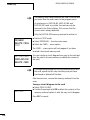
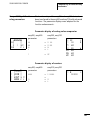
X Activate the Status display on the easy
X Insert the
h
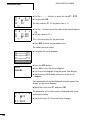
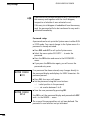
easy cannot exchange data with the PC while the circuit
diagram display is on screen.
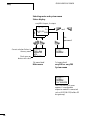
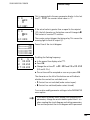
Use EASY-SOFT-BASIC to transfer circuit diagrams from your
PC to easy and vice versa. Switch easy to RUN mode from the
PC to test the program using the current wiring.
EASY-SOFT-BASIC provides extensive help on how to use the
software.
X Start
252
EASY-SOFT-BASIC and click on Help.