1
4. Registering financial information
The aim of the financial module is to register financial information for each placement/contract.
This information will be included in the financial reports (interim and final report).
4.1 Registering financial information.
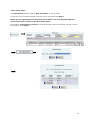
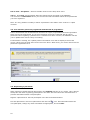
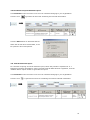
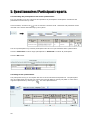
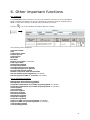
Click Contracts in the left menu to see a list of contracts belonging to your organisation.
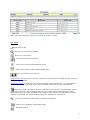
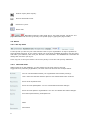
Click the icon
to register finance data.
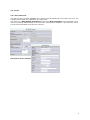
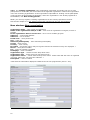
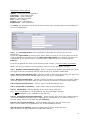
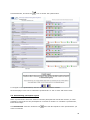
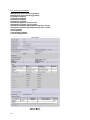
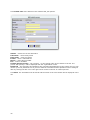
The following will be displayed:
Contract number
Contract title
Organisation name
Note: The numbers in the granted fields are the granted budget.
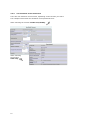
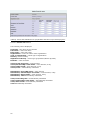
Management and monitoring: From LDV grant – The amount used from the LDV grant.
(LDV II) Management and monitoring: partnership’s own funds – The amount used from
partnership’s own funds, if any.
(LDV II) Management and monitoring: other funds – The amount used from other funds, if
any.
Total – automatically calculated
Total interest generated over the duration of the project: - enter number
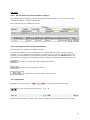
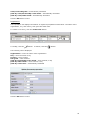
(LDV II) Travel and subsistence for preparation and follow-up of small projects:
Note: This field will only be visible if Small project monitoring in the contract form is selected.
The number is updated during registration of Travel and subsistence for preparation and
follow-up of small projects. See below.
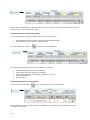
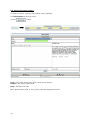
Travel – *
(LDV II) Insurance - *
Subsistence - *
Preparation - *
* The fields: Travel, Insurance, Subsistence and Preparation: From LDV grant, Partnership’s own
funds, Other funds and Total are updated during registration of finance information for each
participant. See below.
(LDV II) Support to SME 1.st proposal – this field will only be visible if the Support to SME
1.st proposal in the contract form is selected. Enter number.
19