1
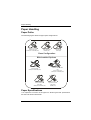
Paper Handling
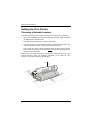
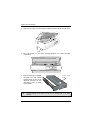
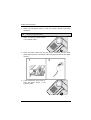
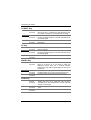
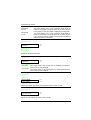
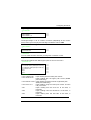
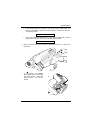
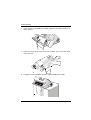
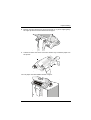
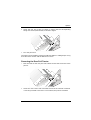
5. To lower the paper feed support, free the paper support holder indicated
in the figure. Press the support down until it locks in place.
Fanfold Paper
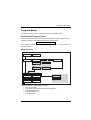
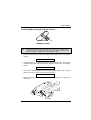
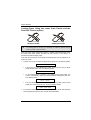
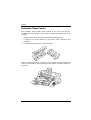
Loading Paper Using the Lower Tractor
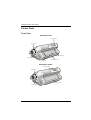
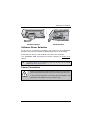
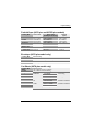
9078 plus model
9078D plus model
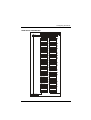
If your printer is the 9078 plus model, make sure that the cut sheets support is
closed before loading the fanfold paper.
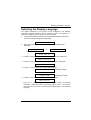
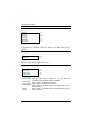
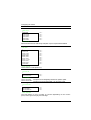
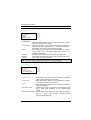
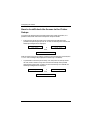
1. To select the lower tractor paper path press the PATH key until the display
shows:
LOAD LOWER PUSH
•
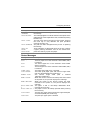
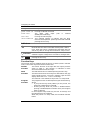
If your printer is the 9078D plus model , press the PATH key to select
the lower tractor paper path,. The display shows:
PATH CHANGING
56
A78408739-002