1
Options
Options
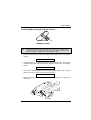
The Rear Pull Tractor
The rear pull tractor is useful to handle particularly heavy paper.
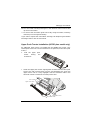
Installing the Rear Pull Tractor
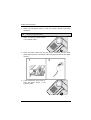
1. Turn the printer off.
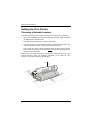
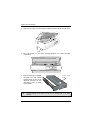
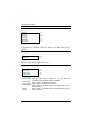
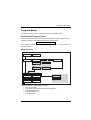
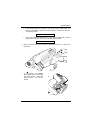
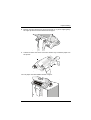
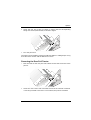
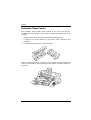
2. Remove the ASF cover, the rear tractor area cover and the two small
tractor fixing area covers.
R e ar tracto r
a rea cover
A S F a rea cove r
Tra ctor fixin g
a rea s co vers
Keep the covers in a safe place, as they must be reinstalled if the rear
tractor is removed.
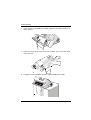
3. Replace the ASF cover.
70
A78408739-002