1
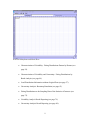
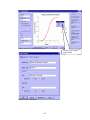
Variability Analysis: Fitting Distribution Summary window (2)
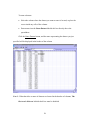
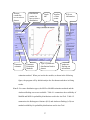
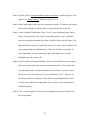
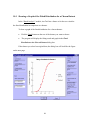
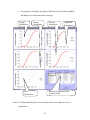
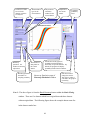
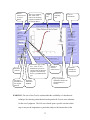
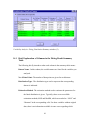
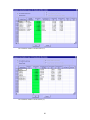
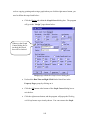
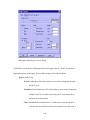
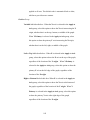
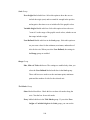
above window. The figure on the next page displays the distribution information for all
variables included in the example used in the User’s Guide. The example was introduced
on page 23.
Note 1: The figure shown on the next page comes from the Batch Fitting window.
Therefore, in the example, the check box labeled “Included variables without
data” is enabled. If the Variability Analysis: Fitting Distribution Summary
window is opened from the Fit a Single Distribution window, then the check box
will be disabled.
Note 2: For those variables without original data, there are no K-S test or A-D test
results available. The cells associated with the tests will be marked as “ NA”.
80