1
3.2.5 AirTies Mesh
Settings
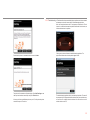
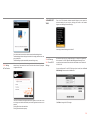
AirTouch technology automatically configures two devices to create a MESH
together. Simply push the AirTouch button on the two devices that you want to
configure a MESH between. MESH can also be configured manually.
AirTies Mesh Technology resolves weak wireless signal and coverage area
problems often encountered in multi-story concrete buildings. To extend
wireless coverage area, it is necessary to use AirTies access point devices
functioning in repeater mode. The access points function as repeaters and
communicate with each other via a special protocol that maintains the signal
strength over long distances and through barriers such as concrete walls.
Computers connect to the access point with the strongest signal and get to
the device through the Mesh Network. This way, the wireless coverage area
can be extended to the maximum while the signal strength problems through
barriers are resolved.
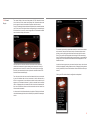
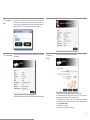
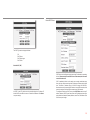
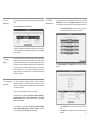
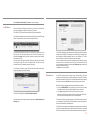
Go to MESH under the WIRELESS menu of the Web interface of your device.
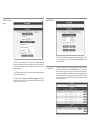
Click Search AP, a list of access points that are detected will be displayed.
Check the box for the access point(s) with signal strength of -68dBm or better
that you would like your device to setup a Mesh connection with.
To setup a Mesh Network with your device:
1.
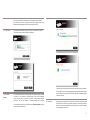
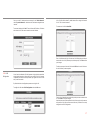
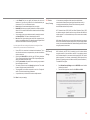
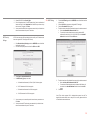
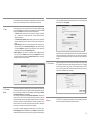
Go to Wireless Settings under the WIRELESS menu of the web interface
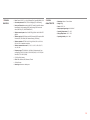
of your device. Select a channel for your Mesh network to operate in (it is
recommended that you use one of channels “1”, “6”, or “11”). You should
select the same channel on all the wireless access point devices that form
the Mesh network.
2.
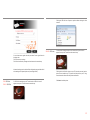
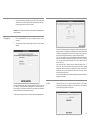
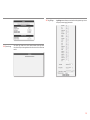
Click Save to complete the Mesh settings for your device.
21