1
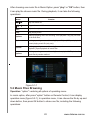
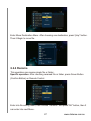
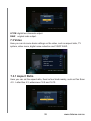
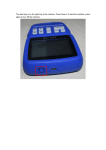
Figure 5-1-1
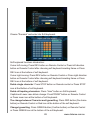
In operation menu, it can do the following setup:
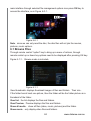
Slide interval timing( slide changing time): "option"->choose "slide interval
timing"->enter into slide timing frame-> using UP and DOWN button to choose
timing ,then press OK button。
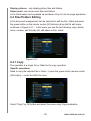
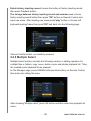
Slide changing( Slide transition effect):->"option"->choose"Slide change"->enter
into slide transition effect->using UP and DOWN button to choose transition
effect, and then press OK button。
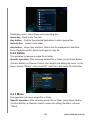
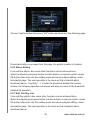
Repeat playback mode: press REPEAT button by remote control->"option>then
it will display" playback once"."successive playback","random change", after
choosing one of them,press OK button。
Turn on or off the background music: Under having background music, press
"option"->in Operation Menu,choose "turn off music" or "choosing music"->after
pressing OK button, then enter into Music Menu Setup. In this Menu,choose
"OFF" and it means that it turns off background music; Under no background
music, press"option"->"choosing music"->enter into Music menu setup->choose
"ON" or "choosing music" and enter into Music list,then choose music.
Video output setup: "Option"->video output setup->enter Video Output Setup
Menu。
4.2 Browsing Photos
Operation:"option"->pop-up operation menu, and choose one display method
in this Menu。
Specific display methods in Photo Option are as following:
Searching: search the file which is similar with inputing character。
Checking miniature photo:Display photo file by Miniature photo method。
20
www.dxtreme.com.au