1
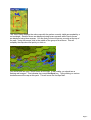
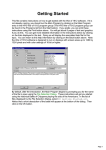
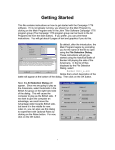
The Jump Dialog displays the entire map with the portion currently visible surrounded by a
red rectangle. Austrian forces are displayed using brown squares while French forces
are displayed using blue squares. You see that you have forces on your side at the top of
the map. Using the mouse, click in the middle of the group of blue forces. This will
redisplay the map about the point you click on.
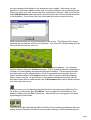
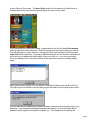
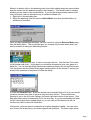
You should now see your French forces on the map. In the middle, you should see a
flashing red hexagon. This indicates the current Hot Spot hex. Trying clicking on various
locations around the map at this point. This will move the Hot Spot hex.
Page 3