1
CHAPTER 1
Getting started
About applications
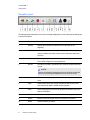
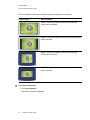
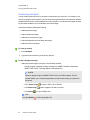
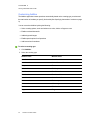
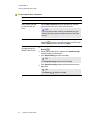
SMART Table Toolkit includes the following applications:
l
Paint
l
Addition Plus
l
Media
l
Hot Spaces
l
Multiple Choice
l
Puzzle
l
Hot Spots
l
Scrapbook
l
Narrow It Down
l
Symphony
l
Image Reveal
l
SMART Notebook
l
Addition
SMART Table software also includes most of these applications.
You can customize these applications and add other applications to your activity pack using
SMART Table Toolkit.
Starting and closing applications
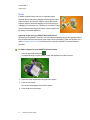
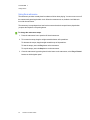
To start an application
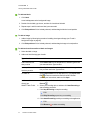
While in Student mode, press an application icon.
The application starts.
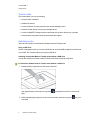
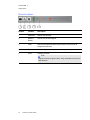
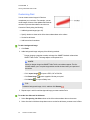
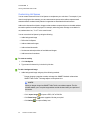
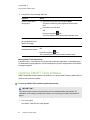
To close an application and return to the menu
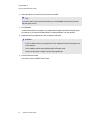
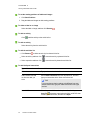
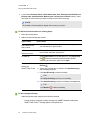
1. Press
The
.
button moves to another corner.
2. Repeat the previous step for each
button that appears.
N OTE
The maximum number of
11
smarttech.com/kb/170589
buttons is four.