1
CHAPTER 2
Working with SMART Table Toolkit
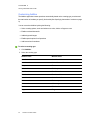
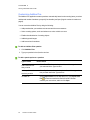
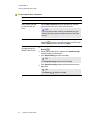
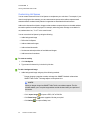
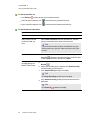
Type of instructions
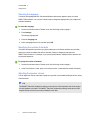
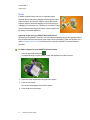
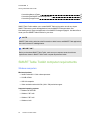
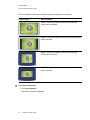
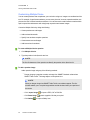
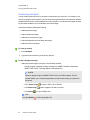
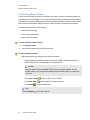
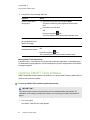
Audio instructions
recorded directly into
SMART Table Toolkit
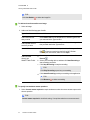
How to add it
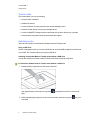
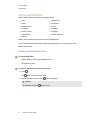
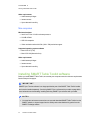
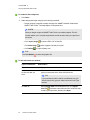
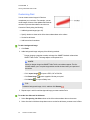
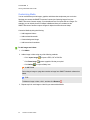
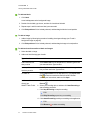
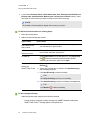
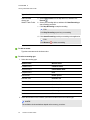
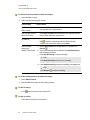
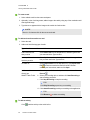
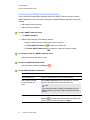
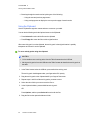
a. Select Import audio from the drop-down list, and then click
Record
.
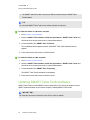
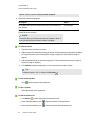
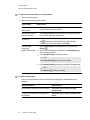
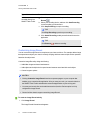
b. Select your recording device, and then click Start Recording
to start recording your instructions.
c. Click Stop Recording to stop the recording.
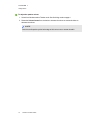
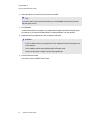
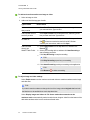
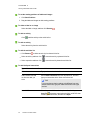
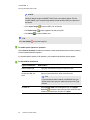
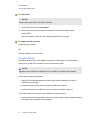
TIP
Click Play Recording to preview your recording.
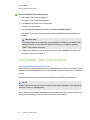
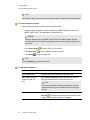
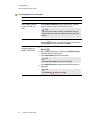
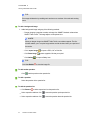
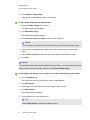
d. Click Attach Recording to add your audio instructions to the
application.
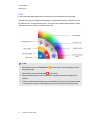
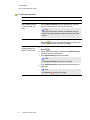
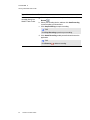
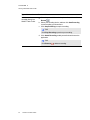
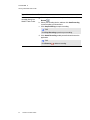
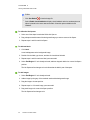
TIP
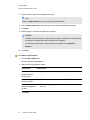
Click Remove
57
smarttech.com/kb/170589
to delete a recording.