1
Section II: First Time Registration
Basic (and Quick) Registration Instructions
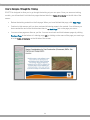
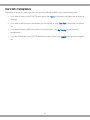
1. Go to your ECATTS website: https://honolulu.ecatts.com
2. At the Welcome to ECATTS screen, refer to the REGISTER - New Users box.
3. Ask your supervisor for the registration password. Enter the password into the box.
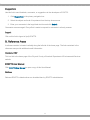
a. If your supervisor cannot tell you the registration password, click ECATTS Technical Support at
the bottom of the New Users box. You can request to have the registration password be sent to
you via email. You can also call the help desk toll free number (866-730-4253) for assistance.
4. Click Create an Account.
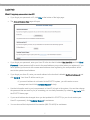
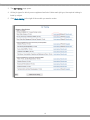
5. Next, you will be asked to complete a registration form.
6. Click Register.
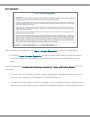
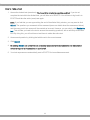
7. Next, read the User Agreement. To complete registration, you must accept the User Agreement by
clicking I Agree - Complete Registration.
a. By clicking I Agree - Complete Registration, you agree to the Terms of Use for the site and
agree to personally respond to the test questions and not allow others to respond to the
questions on your behalf.
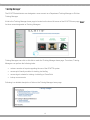
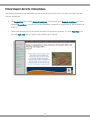
8. After you successfully register, you will be taken to the Environmental Compliance Assessment,
Training, and Tracking System page (the ECATTS home page).
a. From here, you have a number of options, including beginning training and testing or linking to other
resources, all which are further explained in the following sections.
b. You may also choose to end your session by logging out. The next time you enter the site, you will
login by typing the user ID and password that you created earlier.
2