1
Slide 46
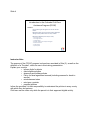
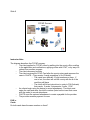
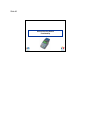
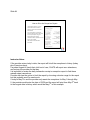
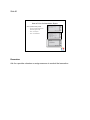
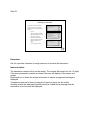
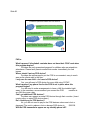
Layout of a Point-of-Service (POS) Device
Feature
Card swipe/card reader slot
Picture
The client should always
hold the card with the magnetic
strip down, and facing the device
screen.
Function keys
Purple keys
Cancel (red button); Back (yellow
button); Enter (green button)
Printer and paper roll cover
See demonstration
Instructor Notes:
Card swipe slot may become dirty and this may can cause the card to be unreadable.
Magnetic stripe on the card can also become damaged and then the card reader can’t
pick up the card number.
Only the F4 function key is used by the Provider. For CCCAP we don’t use any of the
other function keys.
The two right-most purple keys are the only ones used for CCCAP.
The action associated with the keys will be at the bottom of the screen, just above the
purple key.
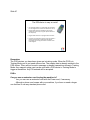
The paper roll must be inserted so the paper flap is under the roll and it just sits in the
paper roll slot. There isn’t a dowel to insert into the center of the roll.
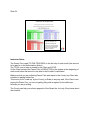
RED voids everything that has not been transmitted. Yellow will erase the most recent
child entered in the middle of a swipe.
FAQ’s:
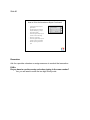
What happens if the tape runs out and I don’t notice?
The machine will not work if paper is not installed in the machine