Download User Manual

Transcript
X16D1H – User Manual
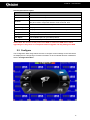
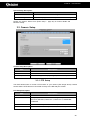
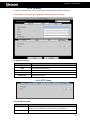
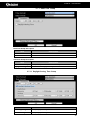
Monitor Setup Description
Item
1/2
Resolution
Border Color
Luminance
Contrast
Saturation
Hue
Description
Setup the main screen(1), sub-screen (2) the setting of screen display
respectively
Setup resolution
Setup border color
Setup screen luminance (from 0 to 100)
Setup screen contrast (from 0 to 100)
Setup screen saturation (from 0 to 100)
Setup screen hue (from 0 to 100)
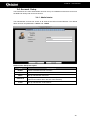
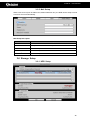
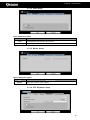
3-7.3 Input Setup
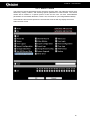
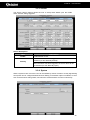
The ’Input Device’ allows the user to configure various inputs used with the DVR (i.e. Remote
control, Panel, Mouse, Keyboard, Touch screen). The user can firstly enable/disable the ‘Key
Tone’, which produces a sound when using the buttons on the front panel.
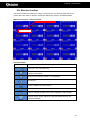
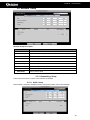
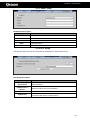
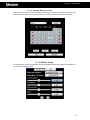
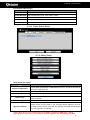
3-7.3.1 Remote Control Setup
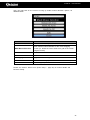
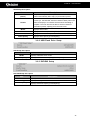
Remote Control Setup Description
Item
Enable
Description
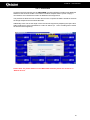
Enable/Disable remote control
IR ID
Set the Remote Control ID. Please note if operating multiple DVRs the
remote controls will need to work on different operating IDs.
Test
Enable/Disable test function
Pressed Key
Displays the pressed key information during the test
41