1
CONTACTS
The GXV3240 supports up to 1000 entries in the contacts. Users can manage contacts by adding,
deleting and modifying single contacts, downloading contacts from HTTP/TFTP server, importing contacts
from external storage and exporting contacts to external storage.
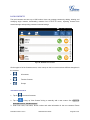
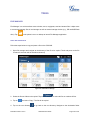
There are three ways to access GXV3240 contacts:
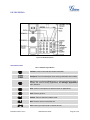
On the keypad, press
button.
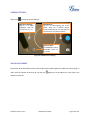
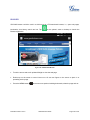
On the phone's idle screen or menu, open Contacts app by tapping on icon
On the phone’s idle screen or menu screen, tap on icon
.
on the bottom of the screen.
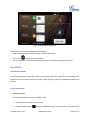
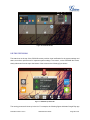
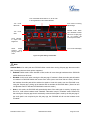
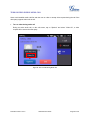
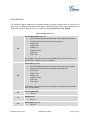
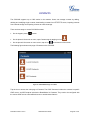
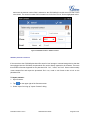
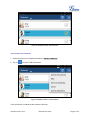
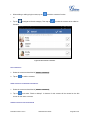
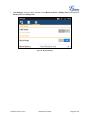
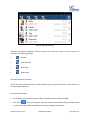
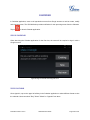
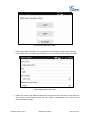
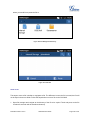
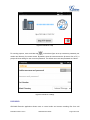
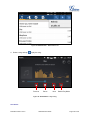
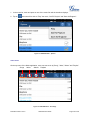
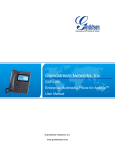
The following figure shows main page of Contacts on the GXV3240.
Figure 61: GXV3240 Main Page of Contacts
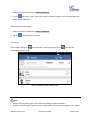
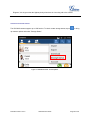
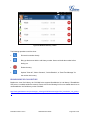
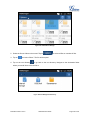
Tap the icon to access the main page of Contacts. The LDAP Contacts includes the contacts in specific
LDAP server, and BS Contacts includes the BroadWorks Xsi Contacts. They need to be configured with
the remote LDAP server or BroadWorks server to enable these features.
Firmware Version 1.0.3.6
GXV3240 User Guide
Page 81 of 161