1
Section 3 - Configuration
Traffic Manager
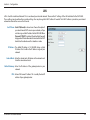
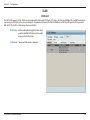
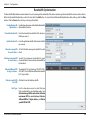
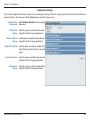
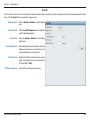
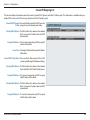
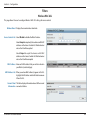
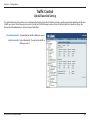
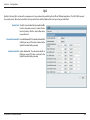
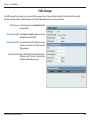
The traffic manager feature allows users to create traffic management rules that specify how to deal with listed client traffic and specify
downlink/ uplink speed for new traffic manager rules. Click the Save button to let your changes take effect.
Traffic Manager: Use the drop-down menu to Enable the traffic
manager feature.
Unlisted Client Traffic: Select Deny or Forward to determine how to
deal with unlisted client traffic.
Downlink Bandwidth: The downlink bandwidth in Mbits per second.
This value is entered in the Uplink/Downlink
Setting window.
Uplink Bandwidth: Uplink Bandwidth:The uplink bandwidth in
Mbits per second. This value is entered in the
Uplink/Downlink Setting window.
D-Link DAP-2330 User Manual
63