1
Section 3 - Configuration
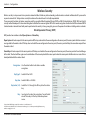
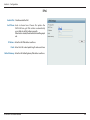
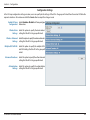
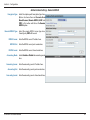
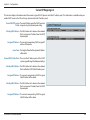
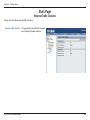
Authentication Settings - Remote RADIUS
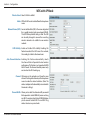
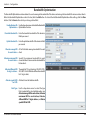
Encryption Type: Select the captive portal encryption type here.
Options to choose from are Passcode, User
Name/Password, Remote RADIUS, LDAP and
POP3. In this section we’ll discuss the Remote
RADIUS option.
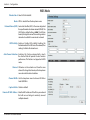
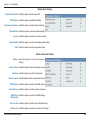
Remote RADIUS Type: Select the remote RADIUS server type here.
Currently, only SPAP will be used.
RADIUS Server: Enter the RADIUS server’s IP address here.
RADIUS Port: Enter the RADIUS server’s port number here.
RADIUS Secret: Enter the RADIUS server’s shared secret here.
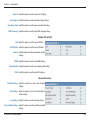
Accounting Mode: Select to Enable or Disable the accounting mode
here.
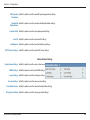
Accounting Server: Enter the accounting server’s IP address here.
Accounting Port: Enter the accounting server’s port number here.
Accounting Secret: Enter the accounting server’s shared serect here.
D-Link DAP-2330 User Manual
51