1
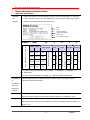
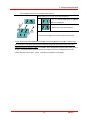
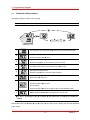
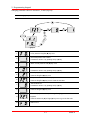
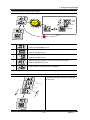
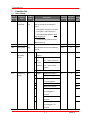
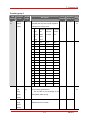
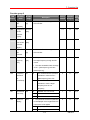
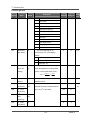
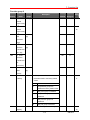
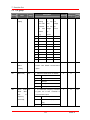
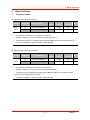
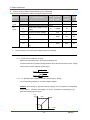
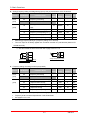
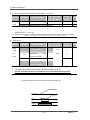
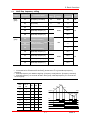
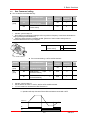
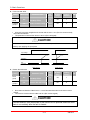
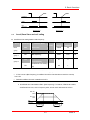
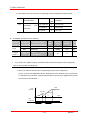
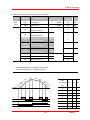
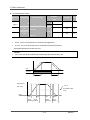
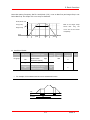
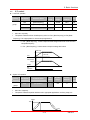
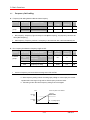
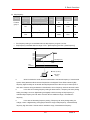
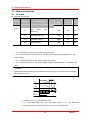
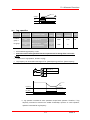
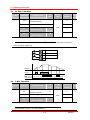
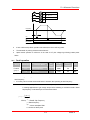
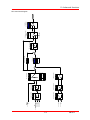
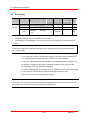
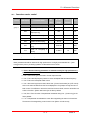
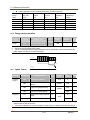
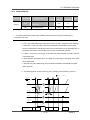
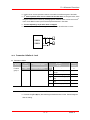
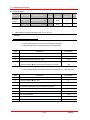
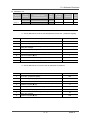
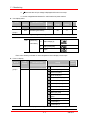
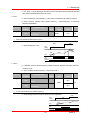
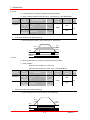
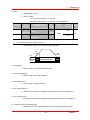
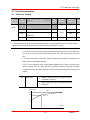
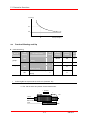
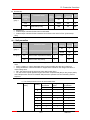
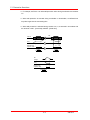
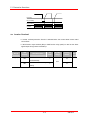
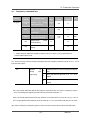
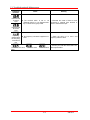
10. Advanced functions 10 Advanced functions 10.1 DC brake Stop mode via DC brake Group LED Display Function F4 group 1 F8 Parameter Name Set Min/Max Factory value Range Defaults 1 0/2 0 - 0/60 5.0 Hz [Stop mode select] [DC Brake start frequency] Unit F9 [DC Brake wait time] - 0/60 1.0 sec F10 [DC Brake voltage] - 0/200 50 % F11 [DC Brake time] - 0/60 1.0 sec Set F4 - [Stop mode select] to 1. F 8 : The frequency at which the DC brake will become active. F 9 : Inverter will wait for this time after F8 - [DC Brake start frequency] before applying F10 - [DC Brake voltage]. F10 : It sets the level as a percent of H33 – [Motor rated current]. F11 : It sets the time that F10 - [DC Brake voltage] is applied to the motor after F 9 - [DC Brake wait time]. Caution: If excessive DC Brake voltage is set or DC Brake time is set too long, it may cause motor overheating and damage to the motor. F9 Freq. F11 F8 Voltage Current F10 Run command Setting F10 or F11 to 0 will disable DC brake. F 9 – [DC Brake Wait time] : When load inertia is great or F 8 – [DC Brake Start Frequency] is high, Over current trip may occur. It can be prevented via F9. 10-1 SINUS N