1
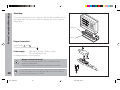
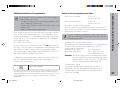
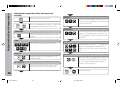
Switch-On, Traversing the Reference Marks
Switch-On, Traversing the Reference Marks
0è1
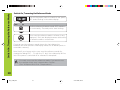
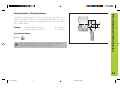
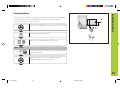
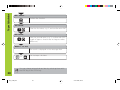
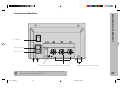
Turn on the power (switch located on rear panel).
REF starts blinking in the status display.
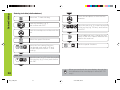
ENT ... CL
ENT
Confirm reference traverse mode. REF remains
on continuously. Decimal points start blinking.
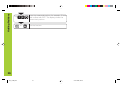
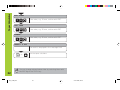
Cross over the reference marks in all axes (in any
sequence). Each axis display becomes active when
its reference mark is crossed over.
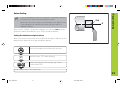
Crossing over the reference marks stores the last relationship
between axis slide positions and display values for all datum points in
nonvolatile memory.
Note that if you choose not to cross over the reference marks (by
clearing the dialog ENT ... CL with the CL key), this relationship will be
lost if the power is switched off or otherwise interrupted!
You must cross over the reference marks if you want to use
the multipoint axis error compensation function.
(See “Multipoint Axis Error Compensation”)
10
730_770t2.pm6
10
21.07.2004, 08:36