1
How to program the Airlab
13.2 MASTER SETTINGS
To enter this part of the programming hit the EXIT button and you will see that the LCD returns to its
TIMER menu.
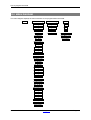
Now hit the UP or DOWN switch again until you see the text MASTER SETTINGS. This brings you into the
master settings menu. Now push the ENTER switch to enter the four master programming possibilities.
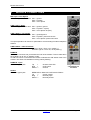
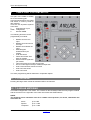
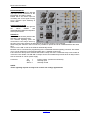
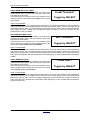
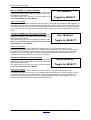
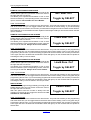
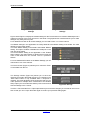
AUTO CUE RESET
Use the YES and NO button to switch 'Auto cue Reset'
option on and off.
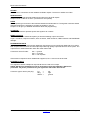
HOW TO PROGRAM
With the YES and NO switches you can activate or deactivate this option. Don't forget to confirm changes you
made in software with the enter switch.
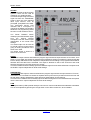
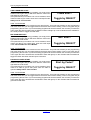
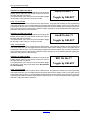
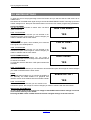
CUE TO CRM
CUE to CRM is an option, which enables you to route the
CUE signal to the CRM speakers.
Auto CUE Reset?
YES
CUE to CRM?
HOW TO PROGRAM
With the YES and NO switches you can activate or deactivate this option. Don't forget to confirm changes you
made in software with the enter switch.
YES
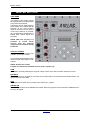
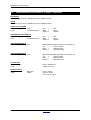
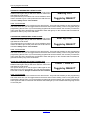
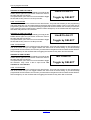
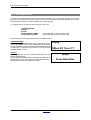
AUTO COMMUNICATION
When this feature is activated you can create a
communication link from a remotely connected SiCo box to
an announcer module.
To make this work the 'Mic Rem. CUE' option needs to be
activated.
Auto Comm?
YES
HOW TO PROGRAM
With the YES and NO switches you can activate or de-activate this option. Don't forget to confirm changes
you made in software with the enter switch.
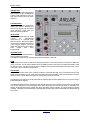
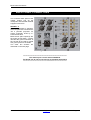
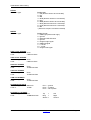
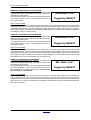
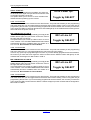
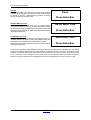
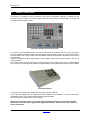
RS232
The RS232 option enables you to connect the Airlab to a
PC. Basically The Airlab software is a graphical user
interface version of the software structure inside the Airlab.
Enable RS 232?
YES
HOW TO PROGRAM
With the YES and NO switches you can activate or deactivate this option. Don't forget to confirm changes you made in software with the enter switch.
IMPORTANT INFORMATION
To save all the work you have done you simply hit the ENTER switch and all settings are stored
in the internal memory of the Airlab.
Pressing the ESC switch instead will discard all the changed settings in the last session.
Airlab from D&R Phone +31 294 418014, email: [email protected]
Page 49