1
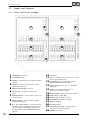
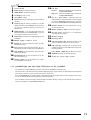
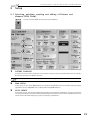
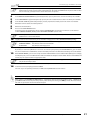
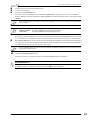
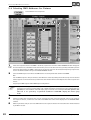
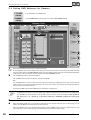
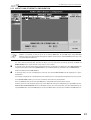
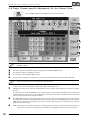
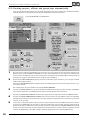
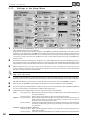
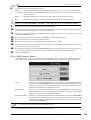
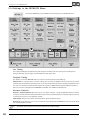
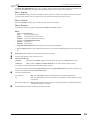
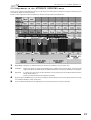
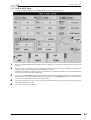
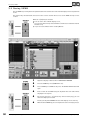
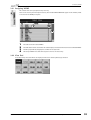
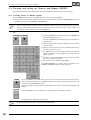
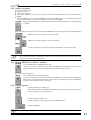
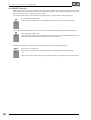
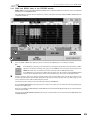
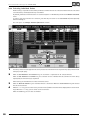
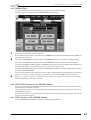
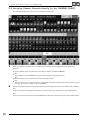
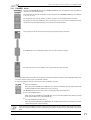
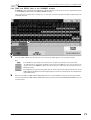
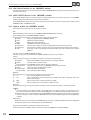
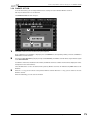
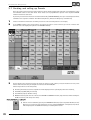
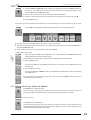
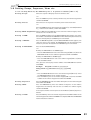
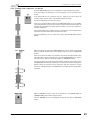
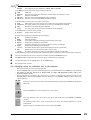
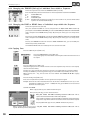
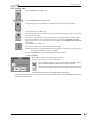
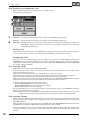
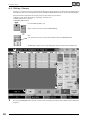
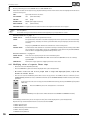
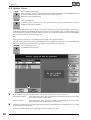
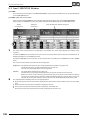
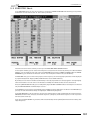
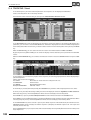
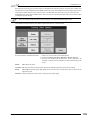
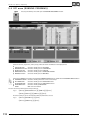
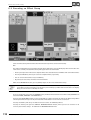
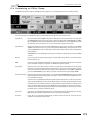
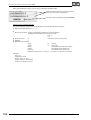
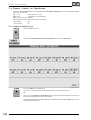
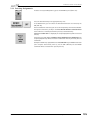
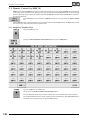
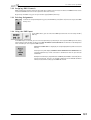
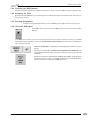
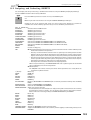
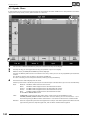
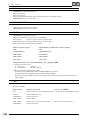
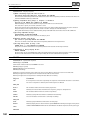
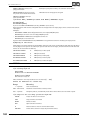
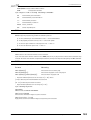
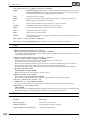
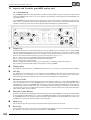
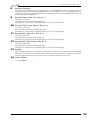
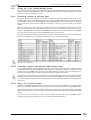
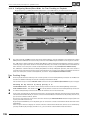
6.6 View ALL RUNNING EFFECTS 6 . 6 View ALL RUNNING EFFECTS menu In this menu, all currently playing back Effect Groups will be displayed. Press the EFFECT key twice. (On older consoles, this key is not labeled and is positioned between the VIEW and GOTO keys. An appropriate label can be ordered from MA or from your local dealer) Or: When choosing an Effect Group from the Effect Pool the respective keys will be displayed above the Encoders. Press the LIST key on the touch screen. 1 3 4 2 5 6 1 2 3 By pressing the ALL OFF key, you can switch off all Effect Groups simultaneously. 4 The middle part of the menu shows all Effect Groups that areplaying back via EXECUTOR faders. Pressing the OFF key right of the EXECUTOR will switch off these Effect Groups. à 5.1.1 Assigning Effect Groups to EXECUTOR faders 5 6 You can leave the menu with the CLOSE key. In the left part of the menu, all manually called-up Effect Groups will be displayed. Pressing the OFF key on the right side of MANUAL, all these Effect Groups will be switched off. The left part of the menu shows all Effect Groups that are playing back via Cues. Pressing the OFF key on the right side of CUELIST, all these Effect Groups will be switched off. The lower part of the menu shows all Effect Group calls performed since the last Cue was stored, including their respective playback parameters. When storing the next Cue, all calls in this Sheet will also be stored. It is also possible to modify individual calls. To do so, select the respective call (will be displayed with a blue frame). The setting will be adopted, displayed above the Encoders and can be adjusted with them. You can delete a complete call by making a right mouse click into the NAME column. If you only want to delete a single parameter, make a right mouse click on the parameter. Phone: + 49 9 31 49 79 4- 0 Fax: -29 . Hotline: +49 5251 688865-99 . Users Manual grandMA Version 3.21 121