1
Virtual Dashboard for Hyper-V
Hypervisors
Adding a Hypervisor
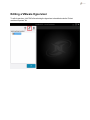
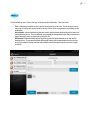
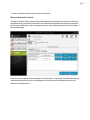
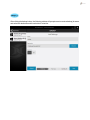
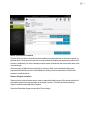
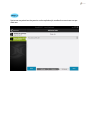
Upon opening the Virtual Dashboard users will be prompted with the option to add a hypervisor.
Click the Add "+" button at the top of the Hypervisor's menu.
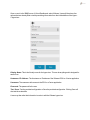
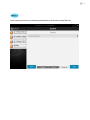
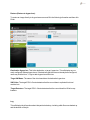
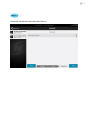
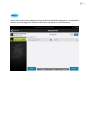
Once clicking "Add" users will be prompted to enter information relating to their Hypervisor.
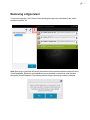
Note: If there are already VMware hosts added through the legacy backup functionality in
NovaBACKUP, those servers will already be added to the Virtual Dashboard.
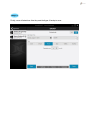
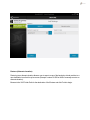
Once a user is in the "Add" menu of the Virtual Dashboard, select Hyper-V. Users will then be
presented with two options.
Adding a Local Hyper-V Hypervisor
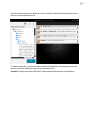
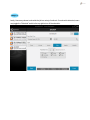
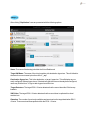
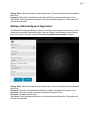
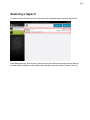
If NovaBACKUP is being installed onto a local Hyper-V host, users will not need to enter user credentials to access the Hyper-V service. Users will need to add two fields on information as seen in
the picture above.









![PDF [Deutsch]](http://vs1.manualzilla.com/store/data/006797997_1-c9045cd66eae30723aff946cf752a6aa-150x150.png)