1
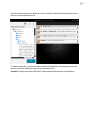
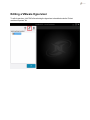
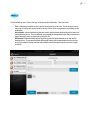
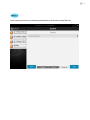
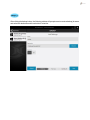
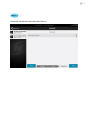
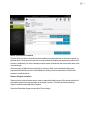
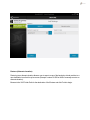
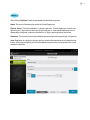
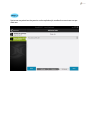
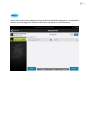
Once a user is in the "Edit" menu of Virtual Dashboard, select VMware. Users will then have four
options that are already filled out with preexisting information from the initial addition of the HyperV hypervisor.
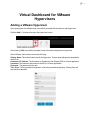
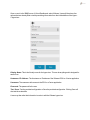
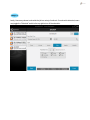
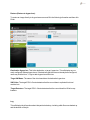
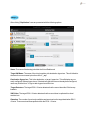
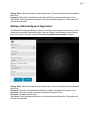
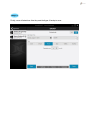
Display Name: This is the friendly name for the hypervisor. This can be anything and is designed for
ease of use.
Hostname / IP Address: The Hostname or IP address of the VMware ESXi or vCenter application
Username: The username with access to the ESXi or vCenter application
Password: The password for the user
Test / Save: Test the provided configuration or Save the provided configuration. Clicking Save will
also test the credentials.
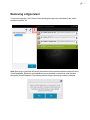
A user may then alter that information in order to edit the VMware hypervisor.









![PDF [Deutsch]](http://vs1.manualzilla.com/store/data/006797997_1-c9045cd66eae30723aff946cf752a6aa-150x150.png)