1
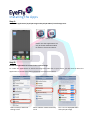
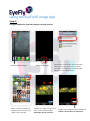
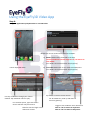
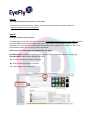
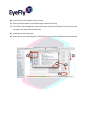
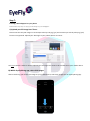
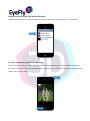
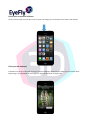
Step 7: Creating a 3D wallpaper for your phone Follow these easy steps to enjoy your 3D image as your wallpaper! A) Upload your 3D image into iTunes Please note that only 3D images in stereoscopic side-‐by-‐side jpg (.jps) and stereoscopic side-‐by-‐side png (.pns) format are supported. Upload your 3D image to your mobile device via iTunes. Go here to watch a video on how to upload your 3D image into iTunes to be transferred to your mobile device. B) Within EyeFly3D Img app, select Pick Images After transferring your chosen 3D image to your mobile device, select Pick Images via our EyeFly3D Img app.