1
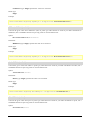
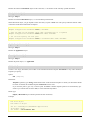
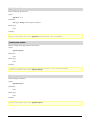
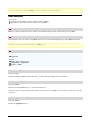
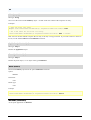
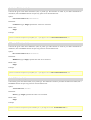
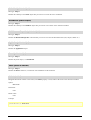
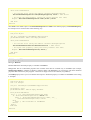
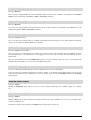
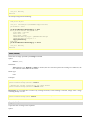
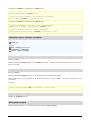
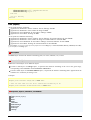
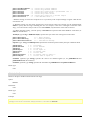
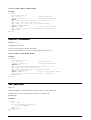
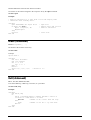
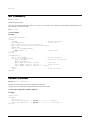
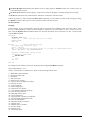
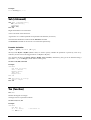
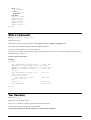
With var2a
.a = "Hello"
With .o
.s = "Bye!"
End With
End With
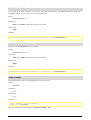
var1a.s = "TEST"
MsgBox var1a.a
MsgBox var1a.d
MsgBox var1a.s
MsgBox var2a.a
MsgBox var2a.o.s
End Sub
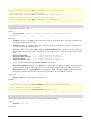
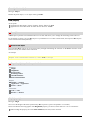
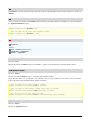
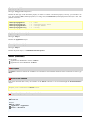
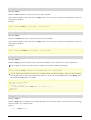
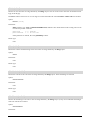
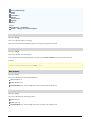
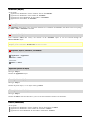
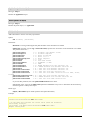
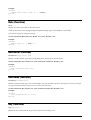
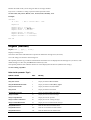
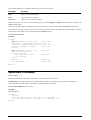
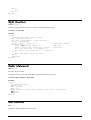
Write # (statement)
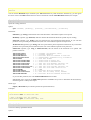
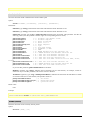
Write #FileNumber, [Expression]
Writes data to a file.
The file must have been already opened with the Open command in Output or Append mode.
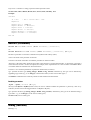
FileNumber is the number assigned to the file by Open command.
Expression consists of one or more output elements.
If Expression is omitted, an empty line is output. Please note that in this case you still need to add a trailing comma to
the command (e.g., Write #1,).
See also: Open, Seek, Print #
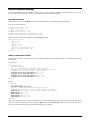
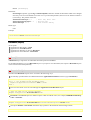
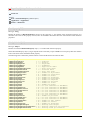
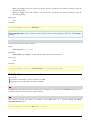
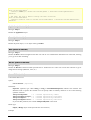
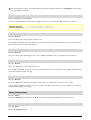
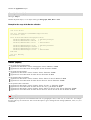
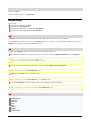
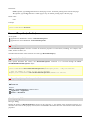
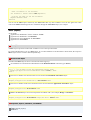
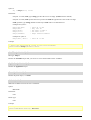
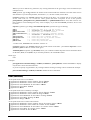
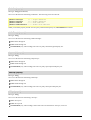
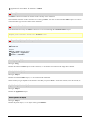
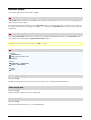
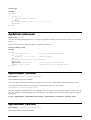
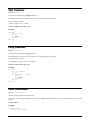
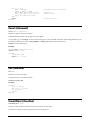
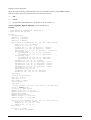
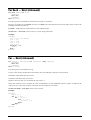
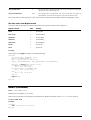
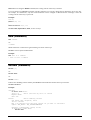
Example:
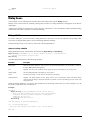
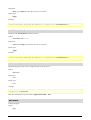
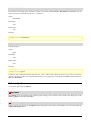
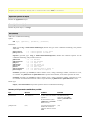
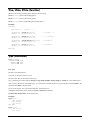
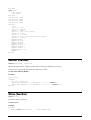
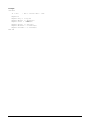
Sub Main
Open "TESTFILE" For Output As #1
' Create file
userData1$ = InputBox("Enter one text line.")
userData2$ = InputBox("Enter one more text line.")
Write #1, userData1, userData2
' Write lile
Close #1
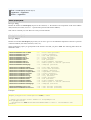
Open "TESTFILE" for Input As #2
Print "File contents:"
Do While Not EOF(2)
Line Input #2, FileData
Print FileData
Loop
Close #2
' Open file
' Close file
Kill "TESTFILE"
' Delete file
' Read line
End Sub
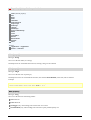
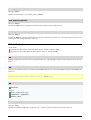
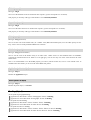
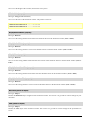
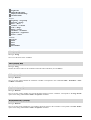
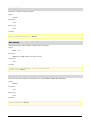
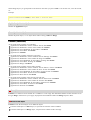
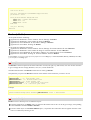
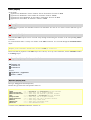
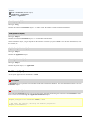
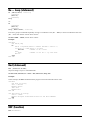
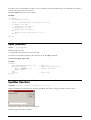
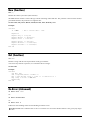
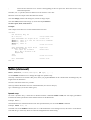
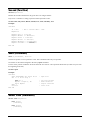
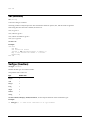
Year (function)
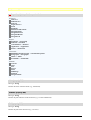
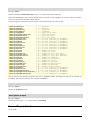
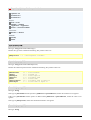
Year(Expression)
Returns the year for the given date.
Expression is a numeric or string expression which represents a date.
The result is an integer value between 100 and 9999.
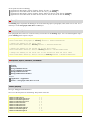
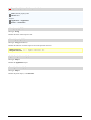
See also: Date, Day, Hour, Minute, Month, Now, Second, Time, Weekday
Manual BasicMaker 2008
Commands and functions from A to Z • 331