1
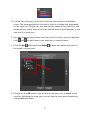
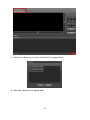
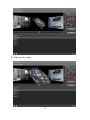
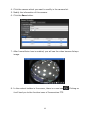
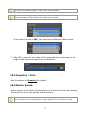
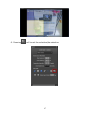
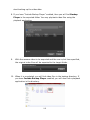
start backing up the video data.
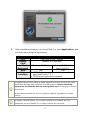
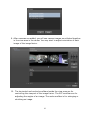
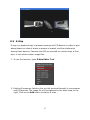
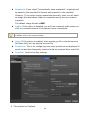
8. If you have “Include Backup Player” enabled, then you will find Backup
Player in the exported folder. You may playback video files using the
playback application.
9.
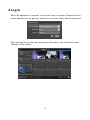
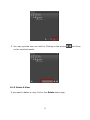
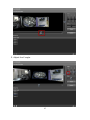
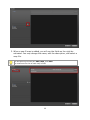
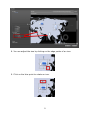
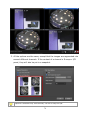
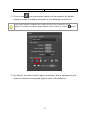
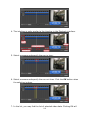
With the camera video to be exported and the cue-in/out time specified,
the original video files will be exported to the target folder.
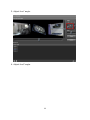
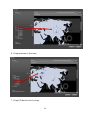
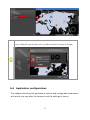
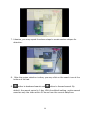
10. When it is completed, you will find video files in the backup directory. If
you have Include Backup Player enabled, you will also find a playback
application in the directory.
102