1
8.3
E-Map
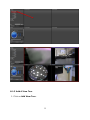
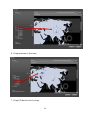
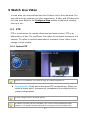
E-map is a graphical way to present cameras and I/O devices in order to give
administrator an idea of where a camera is located, and the relationship
among those devices. Cameras and I/O are overlaid on a street map, a floor
plan, or any other custom image files.
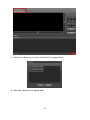
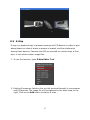
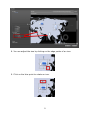
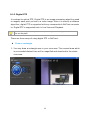
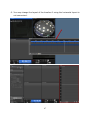
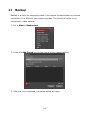
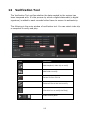
1. To use the function, open E-Map Editor Tool.
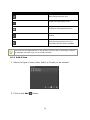
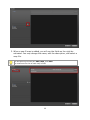
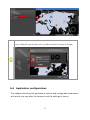
2. Existing E-maps are listed on the top-left area and beneath it are cameras
and I/O devices. The image file will be displayed in the black area on the
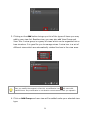
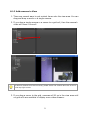
right. Click on the Add button to add an E-map.
47