1
Index
Contents
Copyright Notice.............................................................................................. i
Declaration of Conformity.............................................................................. i
About This User's Manual............................................................................ iii
Technical Support......................................................................................... iii
Important Safety Instructions....................................................................... iv
Classification.................................................................................................. v
Disposing of Your Old Product..................................................................... v
General Cleaning Tips................................................................................... vi
Introducing the Rechargeable Battery Pack.............................................. vii
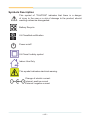
Symbols Description................................................................................... viii
Warranty......................................................................................................... ix
Chapter 1 - General Information.................................................................... 1
1.1 Introduction........................................................................2
1.2 Packing List........................................................................3
1.3 Ordering Information.........................................................3
1.4 Specifications.....................................................................4
1.5 Power Information..............................................................5
1.6 Dimensions.........................................................................6
1.7 Barcode Types....................................................................7
Chapter 2 - Installation and Configuration................................................... 9
2.1 Getting Started.................................................................10
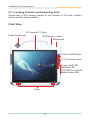
2.1.1 Locating Controls and Connecting Ports........... 11
2.1.2 Replacing the External Battery............................15
2.1.3 Installation.............................................................17
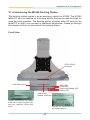
2.1.4 Introducing the M1040 Docking Station.............22
2.1.5 Installing the M1040 on the Docking Station.....26
2.1.6 Removing the M1040 from the Docking Station.28
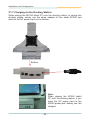
2.1.7 Charging via the Docking Station.......................29
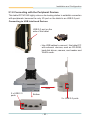
2.1.8 Connecting with the Peripheral Devices............30
2.1.9 VESA Wall-mounting (75 x 75).............................34
2.1.10 Install Hand Strap...............................................35
2.1.11 Introducing the M1040 Desktop Cradle............37
2.1.12 Installing the M1040 on the Desktop Cradle....41
2.1.13 Charging via the Desktop Cradle......................43
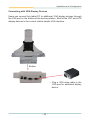
2.1.14 Connecting with the Peripheral Devices..........44
-I-