1
Sam Labels Plus User Manual
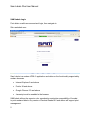
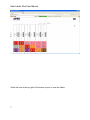
At login, available labels are presented
Double Click on the label to move to Data Entry or utilize the “+” icon on the toolbar to
enter the Database view of SAM Labels Plus.
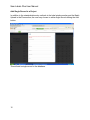
If the user is entering a new label for print simply move to the “Enter Data” Tab. Upon
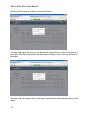
entering the Data Entry Screen, there a 3 methods available for entering data.
All three methods will enter data to the print system and post data to the data base.
3