1
1
Import Payrun Details
1.
Do your payrun as normal in your paydata program.
2.
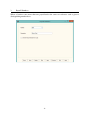
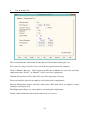
On first run in IRRTIdata create an empty business. You do not need to fill in the
Business Parameters, just click save. These will be imported from the Paydata file.
3.
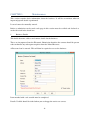
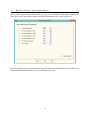
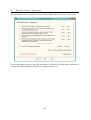
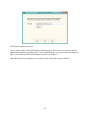
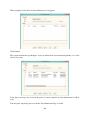
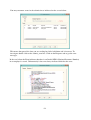
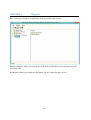
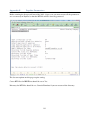
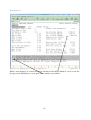
Go to Tax Events and Import Paydata Details. You will get the following screen from
which to browse to pick up the text file created by the Paydata year-end routine.
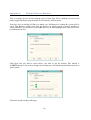
Click browse to search for the Paydata file.
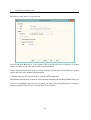
The location of the files is specified in Payroll Parameters, General Parameters 2, Directory for
RTI Files (see appendix b). This must be the full UNIX path, i.e. it must start with the path name
of the network share provided by the UNIX server.
For example, the path of the most common share is /u/dosfs. That is, Adosfs on <server
name>@, often the S: drive. To specify a folder on the S: drive, add it on to the path, i.e.
/u/dosfs/tmp for the tmp folder on S:.
The specified folder must exist before you do the payroll run. UNIX is case sensitive. We
recommend you create the required folder in all lowercase.
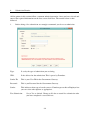
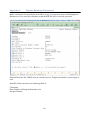
The files names will be of the following format:
Employer Alignment Submission
your list of payrolls.
payrti2014_eas_n.txt where n is the payroll number on
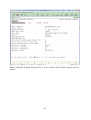
Full Payment Submission
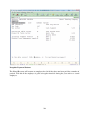
payrti2014_fpspp_ n.txt
number and n is the payroll number on your list of payrolls.
-15-
where pp is the pay period