1
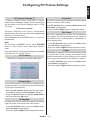
Digital Settings - Parental Control, Menu Lock, Set PIN
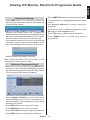
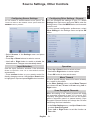
Viewing Parental Control Menu
Child Lock
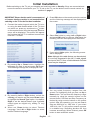
Press MENU button and select the Settings by using
Left or Right button. Press OK button to view Settings
menu. Use Up or Down button to highlight Parental
and press OK to continue:
Press MENU button and select settings by using
Left or Right button. Press OK to continue. Use Up
or Down to select parental and then press OK to
continue. Enter the pin number. Child Lock disables
the buttons on the television. All buttons on the remote
control can still be used.
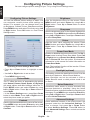
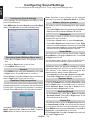
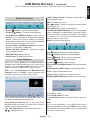
Set PIN
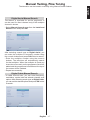
•A dialogue box asking for the lock key will be
displayed. The default key is set to 0000. Enter
the PIN.
•If it is incorrect, “Wrong PIN” OSD will be displayed.
If it is correct, the Parental Control menu will be
displayed:
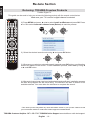
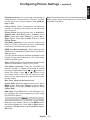
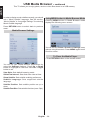
•Use Up or Down buttons to select Set PIN option.
Press OK to display the Set PIN window.
•Use numeric buttons to enter new pin number. You
will need to input your new pin a second time for
verification purposes.
•After typing correct PIN numbers, PIN number will
be changed.
Note: The factory default pin number is 0000, if you
change the pin number make sure you write it down
and keep it safe.
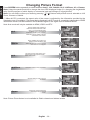
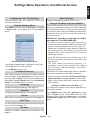
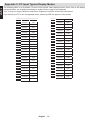
Menu Lock
In Menu lock you can set locking for All menus, or the
Installation menu to restrict access to these menus.
If the menu lock is disabled, there will be free access
to the menu system.
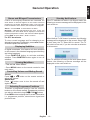
•Use Up or Down buttons to go to Menu Lock
option. Use Left or Right buttons to choose Menu
Lock Mode.
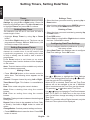
OFF : All menus are unlocked.
ALL MENUS : All Menus are accessible only with
the correct lock key. So the user cannot add, delete,
rename, channels, cannot set timers.
INSTALLATION MENU: Installation menu is locked.
So the user can’t add channels.
Note: Factory set default PIN code is 0000. It is not
available for France country setting.
English - 23 -
English
You can view or set parental preferences of your TV.