1
Using the TSK3000 Embedded Tools
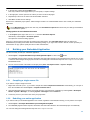
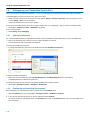
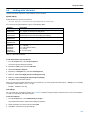
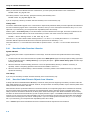
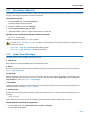
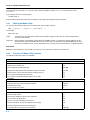
2. In the Messages panel, right−click on the message you want more information on.
A popup menu appears.
3. Select More Info.
A Message Info box appears with additional information.
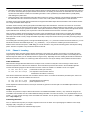
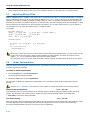
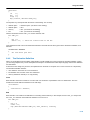
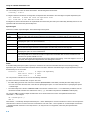
On the command line you can use the linker option −−diag you can see an explanation of a diagnostic message:
lktarget −−diag=[format:]{all | number,...]
See linker option −−diag in section 4.3, Linker Options in Chapter Tool Options of the reference manual.
5−22