1
User Manual Version 5.6
Page 42
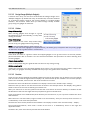
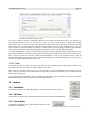
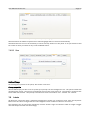
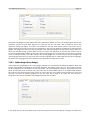
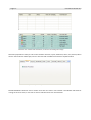
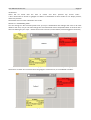
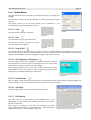
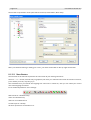
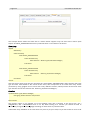
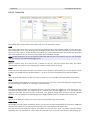
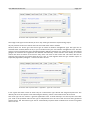
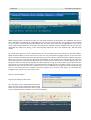
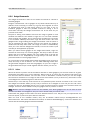
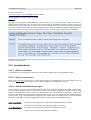
show the measured values.
A green frame and black direct line is drawn as reference. The starting point is marked also with the starting
coordinates x,y.
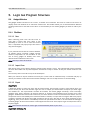
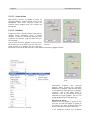
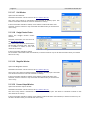
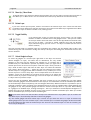
In the Measure section of Info window,
W: = width, H: = height, Z:= diagonal
Test your Form:
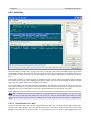
5.2.6 Run
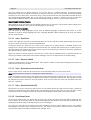
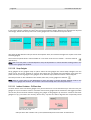
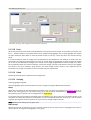
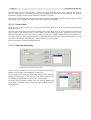
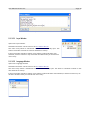
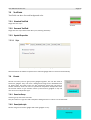
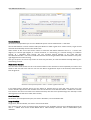
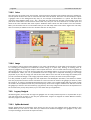
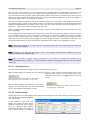
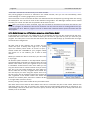
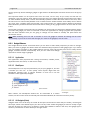
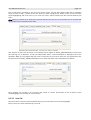
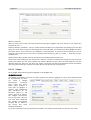
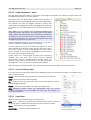
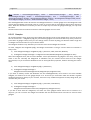
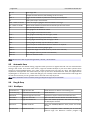
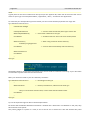
To test your form, you can do a debug compile directly from Logic
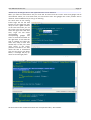
Gui. The Process Output Window will popup if not yet open, to
show the compilation process and the debug output.
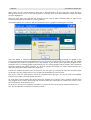
You will get a notification if you start a new test run of your form,
while there is still one running in the background. Choose
between OK to abort that and start your new test or CANCEL to
return to the form and leave the old test running.
The run shortcut is F5 (when form is active)
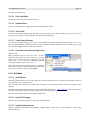
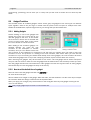
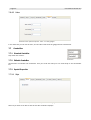
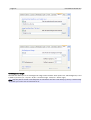
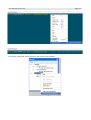
Illustration 68: Gadget Tree Window - Run.
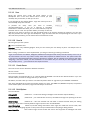
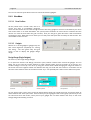
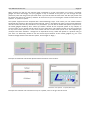
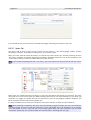
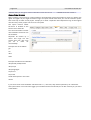
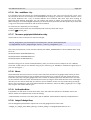
5.2.7 Stop
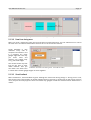
Depending on your test form, you can normally end the form in itself (preferred), but sometimes this is not
possible – a possible hang or no end condition. You should use the Stop icon then (wherever applicable). It
will kill the process and return control to Logic Gui. This is far better than killing the process with the
Windows TaskManager.
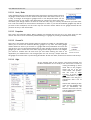
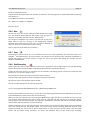
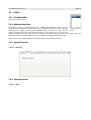
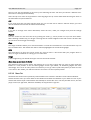
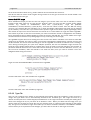
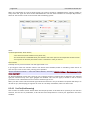
5.2.8 PostProcessing
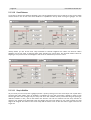
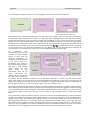
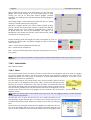
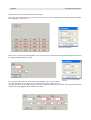
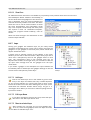
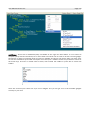
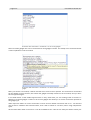
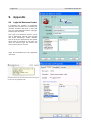
This is meant to create a release version of your form / application. The configuration of the post processing
can be done in the Properties Editor under Application and then choose the Post tab.
During the first step the form is compiled, but not executed. The debug option is forced to off and the GUI
option to on, so you can't forget to do it.
The second step is then the UPX compression when turned on.
The last step is the chosen command string from the post processing.
All output is send to the Process Output window.
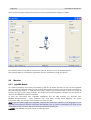
Here is a simple example of an external command:
cmd /c Copy "[$ProjectDir]/[$ExeName].exe" "[$ProjectDir]/BlaBla.exe"
It will call the windows cmd.exe and /c is used to run the following command and exit afterwards. As you can
see placeholders are used to form the command string.
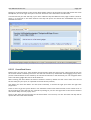
When you start just normally your form using the RUN button, Logic Gui will run in parallel and you can edit
your program while watching the output of the test run. Now with the new function to compile the release
version, this is not the case anymore. Any editing is prohibited to minimize the chance to collide with file
access while UPX compression or post processing.
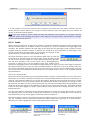
Another important point is the external code, which could of course fail and thus hang Logic Gui. Probably
most true during the test and design phase. To prevent Logic Gui from working while the external code
stopped working, you will be able to hit the STOP button to force quit the errornous code. Only this STOP
button will be polled during execution, all others are disabled! Every of the three steps (building,