1
D-Link DSL-225 11N VDSL2 Router User Manual
Print Server
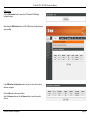
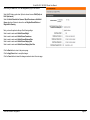
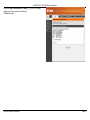
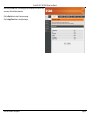
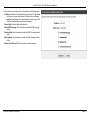
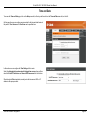
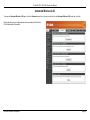
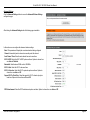
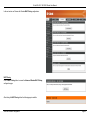
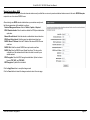
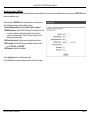
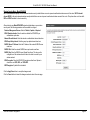
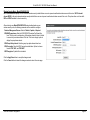
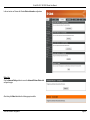
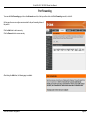
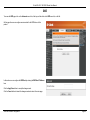
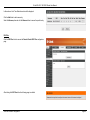
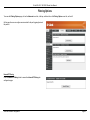
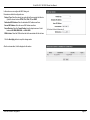
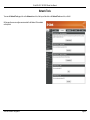
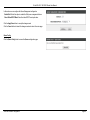
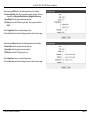
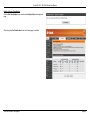
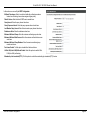
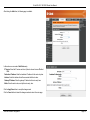
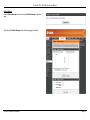
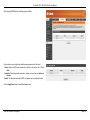
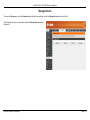
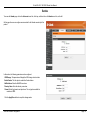
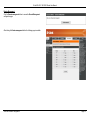
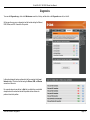
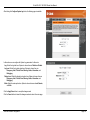
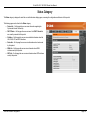
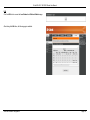
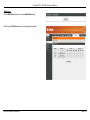
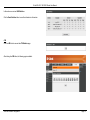
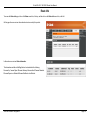
To access the Print Server page, click on the Advanced menu link, at the top, and then click on the Print Server menu link, on the left.
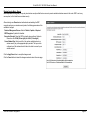
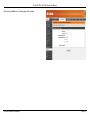
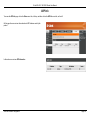
On this page the user can configure services related to the print server on this
product.
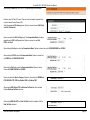
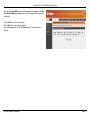
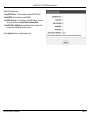
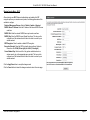
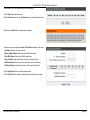
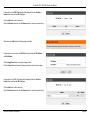
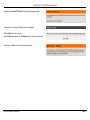
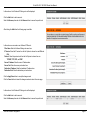
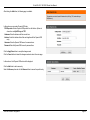
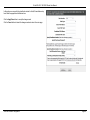
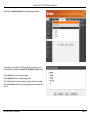
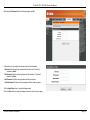
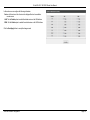
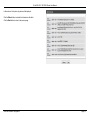
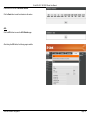
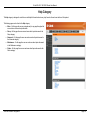
In this section, the following parameters can be configured:
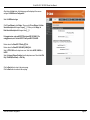
Enable on-board print server: Tick this option to enable the onboard print server
feature.
Printer name: Enter the printer name here.
Make and model: Enter the printer’s make and model description here.
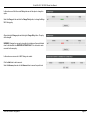
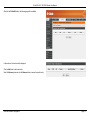
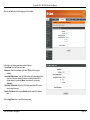
Click the Apply/Save button to accept the changes made.
Web User Interface Configuration
Page 113