1
D-Link DSL-225 11N VDSL2 Router User Manual
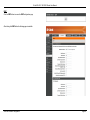
PTM Interface
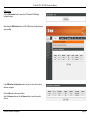
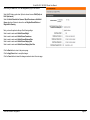
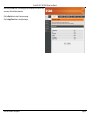
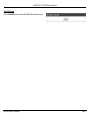
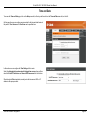
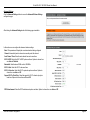
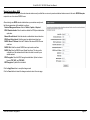
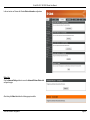
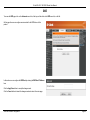
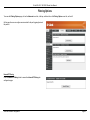
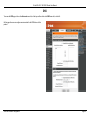
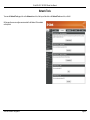
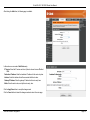
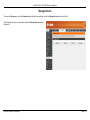
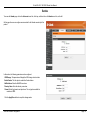
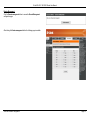
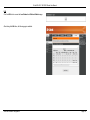
Click the PTM Interface button to access the PTM Interface WAN Settings
configuration page.
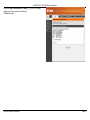
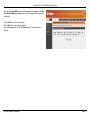
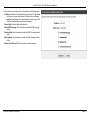
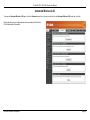
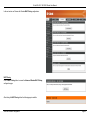
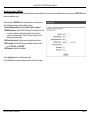
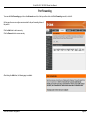
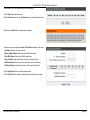
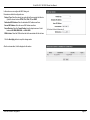
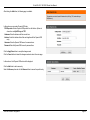
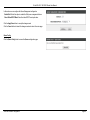
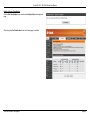
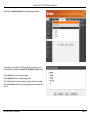
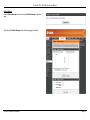
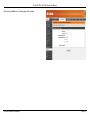
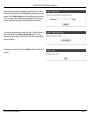
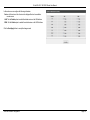
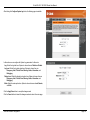
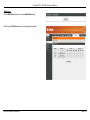
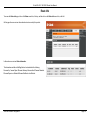
After clicking the PTM Interface button, the DSL PTM Interface Configuration page
will be available.
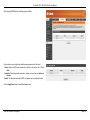
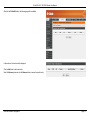
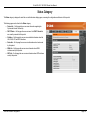
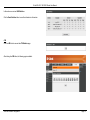
Here you can view the Interface, DSL Latency, PTM Priority, Connection Mode,
and IP QoS settings. You can remove the configuration option by clicking the
Remove checkbox.
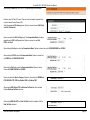
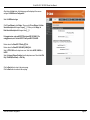
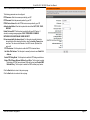
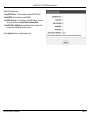
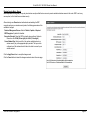
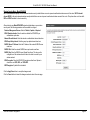
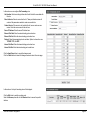
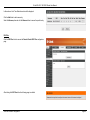
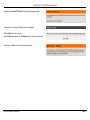
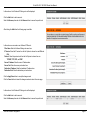
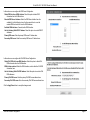
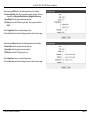
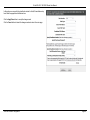
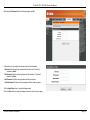
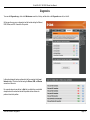
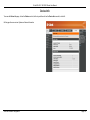
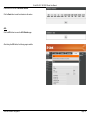
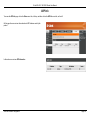
Click the Add button to add a new interface.
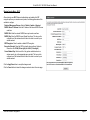
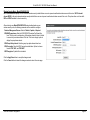
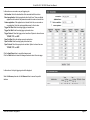
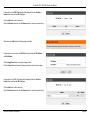
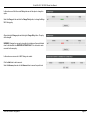
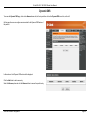
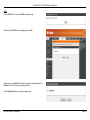
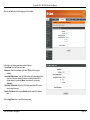
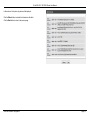
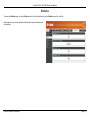
Select the Remove option and click the Remove button to remove the specific
interface.
Web User Interface Configuration
Page 21