1
Configuring the Phone
Audio (continued)
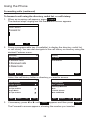
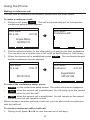
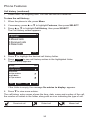
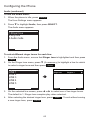
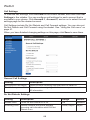
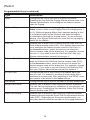
To use the Audio menu:
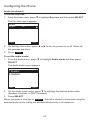
1. When the phone is idle, press Settings .
The User Settings menu appears.
2. Press q to highlight Audio, then press SELECT.
The Audio menu appears.
Audio
5LQJHUWRQH
.H\WRQH
$XGLRPRGH
%DFN
6HOHFW
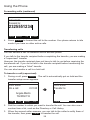
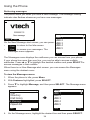
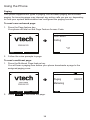
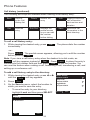
To select different ringer tones for each line:
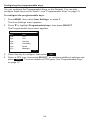
1. From the Audio menu, ensure that Ringer tone is highlighted and then press
Select .
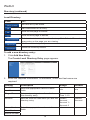
2. On the Ringer tone menu, press q (if necessary) to highlight a line for which
to select a ringer tone and then press Select .
5LQJHUWRQH
LINE 1
/,1(
/,1(
/,1(
/,1(
/,1(
%DFN
Ringer tone:
Ringtone 1
â
6HOHFW
&DQFHO
6DYH
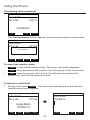
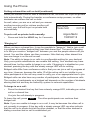
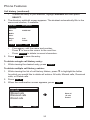
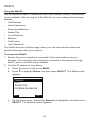
3. On the selected line screen, press t or u to select one of ten ringer tones.
The default is 1. Ringer tone samples play when selected.
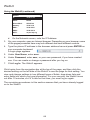
4. After selecting the desired ringer tone, press
a new ringer tone, press Cancel .
62
Save
. To exit without saving