1
Connections — ColdFire V2/3/4
P&E ColdFire Multilink/Cyclone MAX/OSBDM
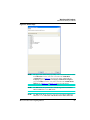
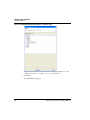
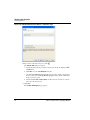
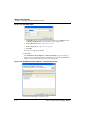
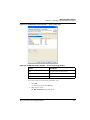
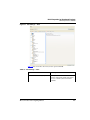
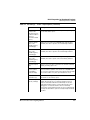
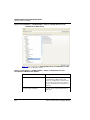
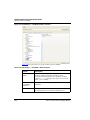
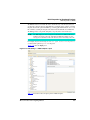
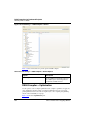
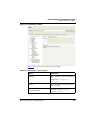
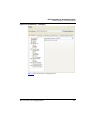
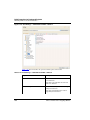
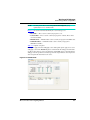
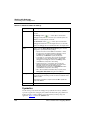
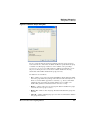
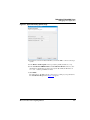
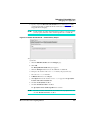
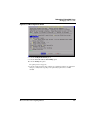
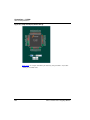
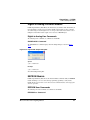
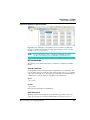
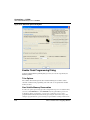
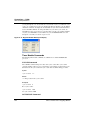
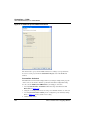
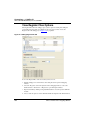
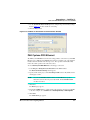
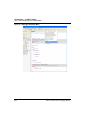
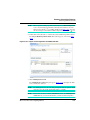
field, Actions box, and Description box. In the Bit field, you can view the bits in binary
format. The Actions box is used when a bit needs to be modified. You can revert changes,
write a new value, reset all of the bits, and view a summary of the register. You can also
change the format of the value written in the bit field. The Description box displays the
values and significance of each bit in the register. When a bit is modified, the description
will change.
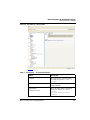
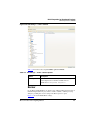
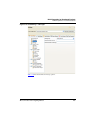
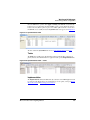
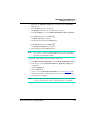
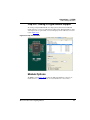
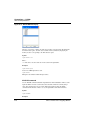
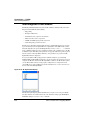
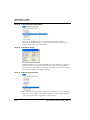
You can modify each bit by selecting it in the drop-down box under the Bit field, or by
clicking the bit on the Bit field. Note that bits that are read-only will not allow you to
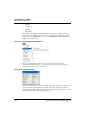
modify the bit values. A new value can be written into the edit box, or you can click the
light bulb button next to the edit box to view all of the options, and then double-click the
changes.
P&E ColdFire Multilink/Cyclone MAX/
OSBDM Connection- Specific Options
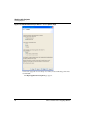
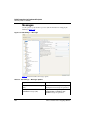
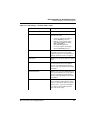
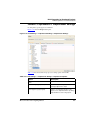
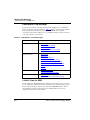
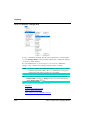
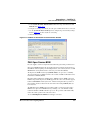
This topic describes the connection-specific options. The connections include:
• P&E USB ColdFire Multilink or USB Multilink Universal
• P&E Cyclone MAX Serial
• P&E Cyclone MAX USB
• P&E Cyclone MAX Ethernet
• P&E Open Source BDM
P&E USB ColdFire Multilink or USB Multilink
Universal
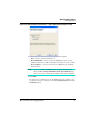
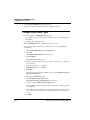
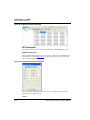
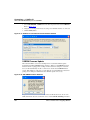
The P&E USB ColdFire Multilink or USB Multilink Universal Connection setting permits
a connection to USB ColdFire Multilink devices. P&E USB ColdFire Multilink mode lets
you debug code, as the firmware is fully resident in the Flash of the microprocessor. The
operation of all modules fully reflects the actual operation of the onboard resources. The
Multilink connection option can also be used to connect a USB Multilink Universal to
your interface.
NOTE
In the event that the USB drivers do not install when using the Linux operating
system, users may have to manually install P&E drivers to use USB-enabled
devices. Please refer to the Readme.pdf found within the
[CodewarriorInstallDir]\Drivers\pemicro for more details.
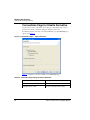
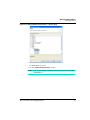
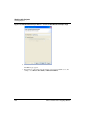
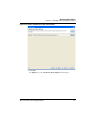
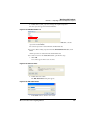
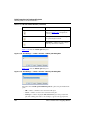
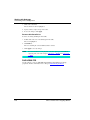
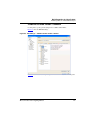
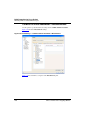
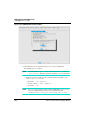
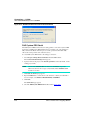
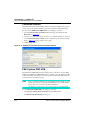
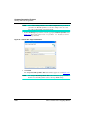
To select P&E USB ColdFire Multilink or USB Multilink Universal as the debugger
connection:
Microcontrollers V10.x Targeting Manual
997