1
6.3. Alarms View and Notification
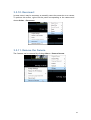
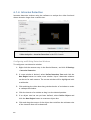
Alarm information is displayed in 3 different ways when in the live view mode.
6.3.1. Live View Event Log
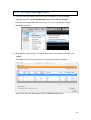
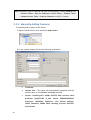
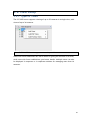
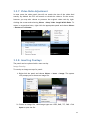
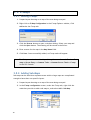
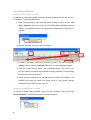
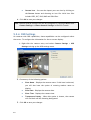
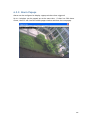
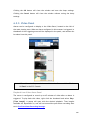
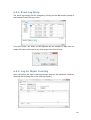
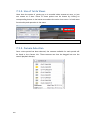
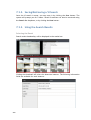
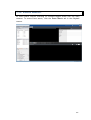
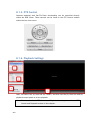
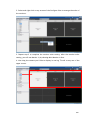
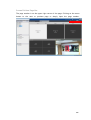
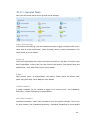
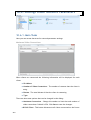
Alarms are displayed is in the Event Log section of the live view screen. As
alarms come in, they are displayed in this area. This area can be minimized or
maximized using the double arrow at the upper right corner.
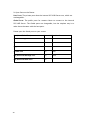
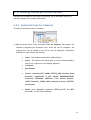
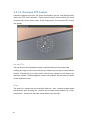
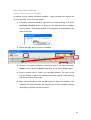
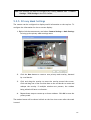
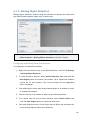
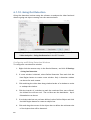
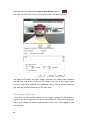
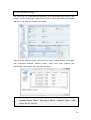
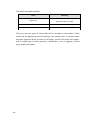
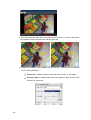
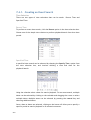
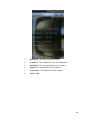
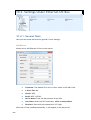
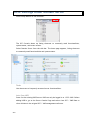
The Event Log displays the camera the alarm occurred on, the date, the alarm
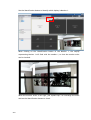
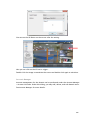
type, and if applicable a link to the live-view feed of the camera. Clicking on
the link will open the camera’s live-view in a popup.
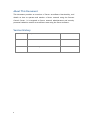
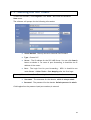
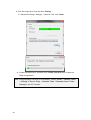
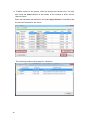
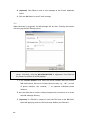
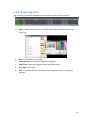
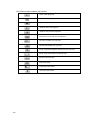
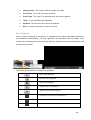
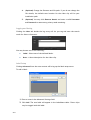
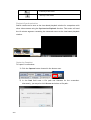
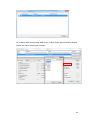
1. Mark*: double click this item to further define the color bar shown on the Event
Log.
2. NVR: the IP Address of the NVR
3. Camera Name: the camera being alarm-triggered
4. Date/Time: when the triggered event was taken place.
5. Log Type: alarm type
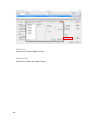
6. Link: clink the link can be directed to the playback to see the triggered
moment.
166