1
Operating Basics
Reverse the Attenuation of
the Displayed Waveform
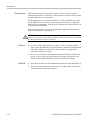
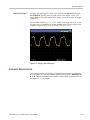
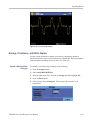
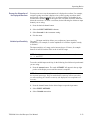
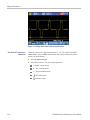
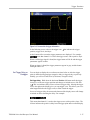
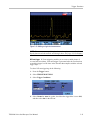
You may want to reverse the attenuation of a displayed waveform. For example,
a negative-going waveform is displayed as a positive-going waveform which
may provide a more meaningful view. An inverted display is identified by an
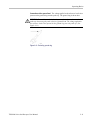
inversed trace identifier (
) at the right of the waveform, and in the status line
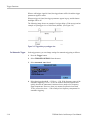
below the waveform. To invert a waveform, do the following for whichever input
channel you are using:
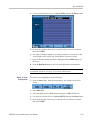
1. Press the desired channel button.
2. Select the INPUT OPTIONS submenu.
3. Select Inverted for the Attenuator setting.
4. Exit the menu.
Variable Input Sensitivity
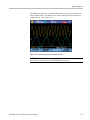
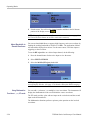
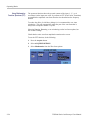
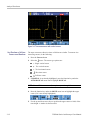
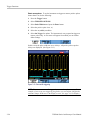
The variable input sensitivity allows you to adjust any input sensitivity
continuously. For example, to set the amplitude of a reference signal to exactly
6 divisions.
The input sensitivity of a range can be increased up to 2.5 times, for example
between 10 mV/div and 4 mV/div in the 10 mV/div range.
NOTE. Variable input sensitivity is not available in the Mathematics functions
(+, –, x, and FFT).
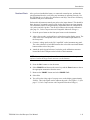
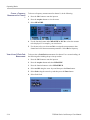
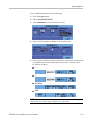
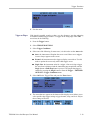
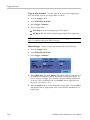
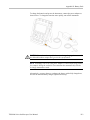
To use the variable input sensitivity, do the following for whichever input channel
you are using:
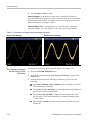
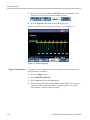
1. Press the Autoset button. The word AUTOSET will appear in the top right
portion of the display screen until the autoset is complete.
NOTE. The autoset will turn off the variable input sensitivity. You can now select
the required input range. Keep in mind that the sensitivity will increase when
you start adjusting the variable sensitivity (the displayed trace amplitude will
increase).
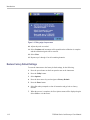
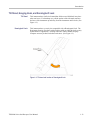
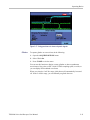
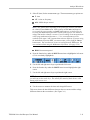
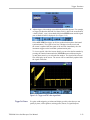
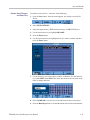
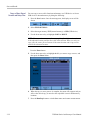
2. Press the channel button for the desired input to open the input menu.
3. Select INPUT OPTIONS.
4. Select Variable attenuation.
THS3000 Series Oscilloscopes User Manual
2–23