1
Getting Started
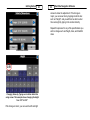
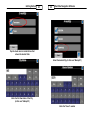
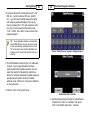
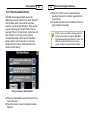
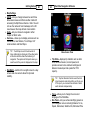
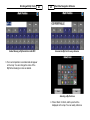
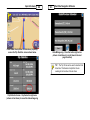
entering information as prompted.
TIP - To access special characters Press <123>.
<ÁÑÜ>, then <ABC> to return back to the regular
keyboard.
40
41
2.8
WorldNav Navigation Software
Routing to an Address
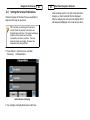
To route to a specific address, follow the instructions
in the section above called "Finding an Address".
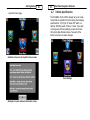
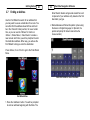
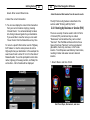
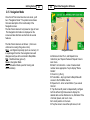
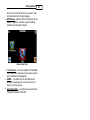
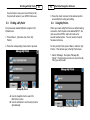
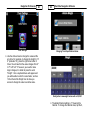
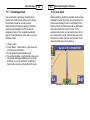
1. Press <Details> to reveal step by step
instructions.
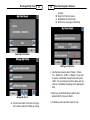
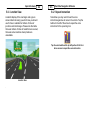
2. Once you are in Navigation mode, you are ready to
drive. The GPS will prompt you at turns and you
can choose which parameters you would like
displayed on the Navigation Panels. You can also
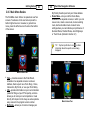
see the turn by turn maneuver list from the Map
Mode, Press <Menu> , <Route>, <View Route>,
<Details>.
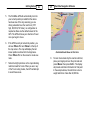
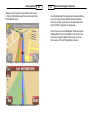
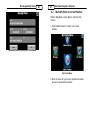
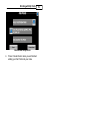
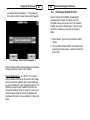
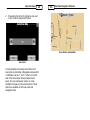
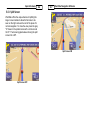
3. Press the globe icon found at the bottom center of
the screen to display the entire route on the map.
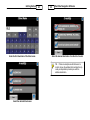
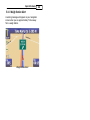
View Route Results