1
Electronic Audiogram Program User Manual - Part 3 of 3
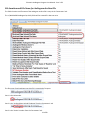
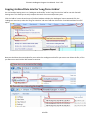
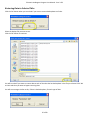
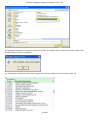
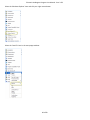
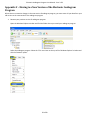
Select the ‘Popular’ option at the left if it is not selected.
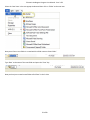
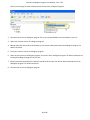
Check the ‘Show Developer tab in the Ribbon’ checkbox then click the ‘OK’ button to close the ‘Excel Options’ window.
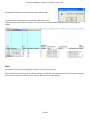
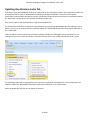
Now you should see the ‘Developer’ tab.
54 of 60