1
Electronic Audiogram Program User Manual - Part 3 of 3
Appendix B – Creating a Data Folder
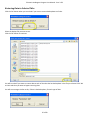
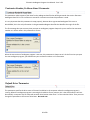
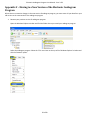
Open the ‘Windows Explorer’ program. If you cannot find the Windows Explorer icon on your desktop, see Appendix G
on how to put the Windows Explorer icon on your desktop.
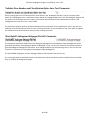
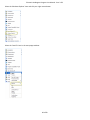
Click the + sign besides ‘My Computer’ to expand it.
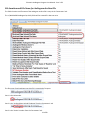
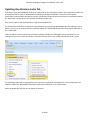
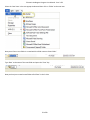
Select the C: drive and click the ‘File’ menu at the top of the Windows Explorer window.
51 of 60