1
Preparing an Application in WebGrants
2. Preparing to Use the WebGrants System
Overview
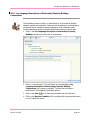
This section explains the steps involved in gaining access to the WebGrants
system.
Set your web browser to: http://webgrants.cbcf.org/index.jsp
Existing WebGrants Users
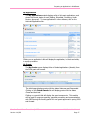
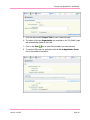
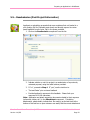
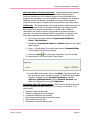
1. Enter your User ID and Password to login. If you are unsure if you
already have a WebGrants User Profile or have lost your password,
please contact the Foundation for assistance: [email protected].
2. Go to Step 2 to update your User Profile.
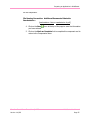
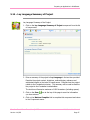
System Compatibility
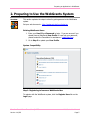
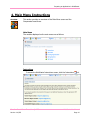
Step 1: Registering to become a WebGrants User
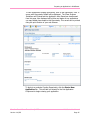
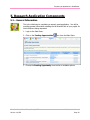
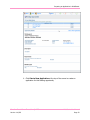
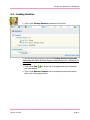
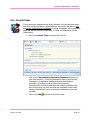
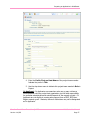
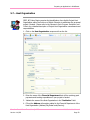
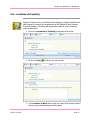
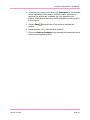
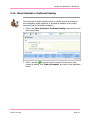
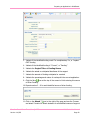
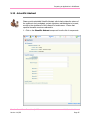
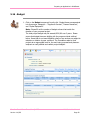
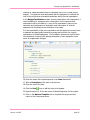
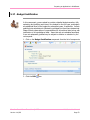
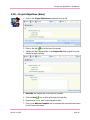
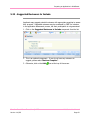
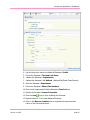
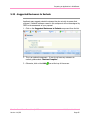
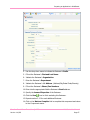
To register with the WebGrants system, click the Register Here link on the
Login page.
Canadian Breast Cancer Foundation © 2009
Version 1-10/09
WebGrants User Manual
Page 5