1
Power Management
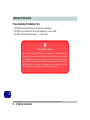
Proper handling of the Battery Pack
• DO NOT disassemble the battery pack under any circumstances
• DO NOT expose the battery to fire or high temperatures, it may explode
• DO NOT connect the metal terminals (+, -) to each other
Damaged Battery Warning
Should you notice any physical defects (e.g. the battery is bent out of shape after being
dropped), or any unusual smells emanating from the notebook battery, shut your computer
down immediately and contact your service center. If the battery has been dropped we do
not recommend using it any further, as even if the computer continues to work with a damaged battery in place, it may cause circuit damage, which may possibly result in fire. It is
recommended that you replace your computer battery every two years.
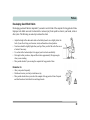
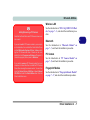
Caution
Danger of explosion if
battery is incorrectly replaced.
Replace only with the
same or equivalent type
recommended by the
manufacturer. Discard
used battery according
to the manufacturer’s instructions.
Battery Life 3 - 13
3