1
D: Keyframe Properties | 73
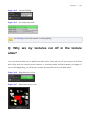
Collider
You can set colliders on both Image and Transform Only keyframes. A collider lets your bones interact
with other colliders in your scene. This can be good for weapons or other interactions.
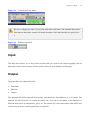
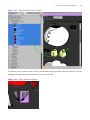
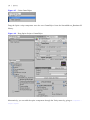
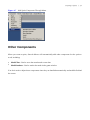
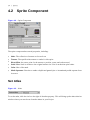
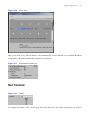
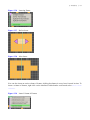
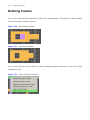
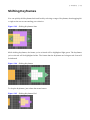
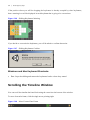
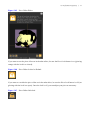
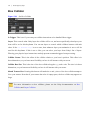
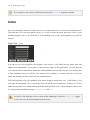
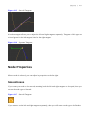
Figure 5-90
Collider
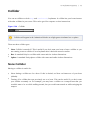
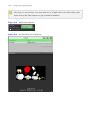
Colliders will appear in the Animation Window as a light green wireframe box or sphere.
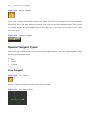
There are three collider types:
●
None: Collider is turned off. This is useful if you don't want your bone to have a collider or you
are wanting to turn a collider off on a keyframe after it has been turned on earlier.
●
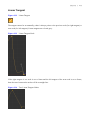
Box: A standard Unity box collider with center and size in three dimensions.
●
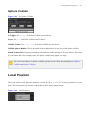
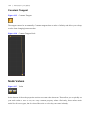
Sphere: A standard Unity sphere collider with center and radius in three dimensions.
None Collider
Having no collider is useful for:
●
Never having a collider set for a bone. If this is desired, set None on frame zero of your bone
(default).
●
Turning off a collider that was perviously set on a bone. This can be useful if you don't want
your collider constantly on. For example, you may have a collider on a weapon bone that you
wouldn't want to be on while walking around, but you would want turned on while swinging the
weapon.