1
Digital Flexo Suite for Flexible Packaging 12.0
6.10 Templates
If these functions are not displayed, they can be activated in the basic settings.
The positions, image sizes, image resolution and plate parameters are stored in the template in
order to position images quickly at a later time. This working mode is interesting for register
pinwheels such as, e.g. for Letterpress.
6.10.1
Creating a Template
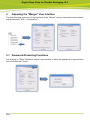
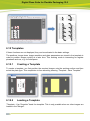
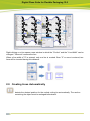
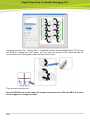
To create a template, you first position the required images onto the working surface and then
select the plate type. This compilation is then saved by pressing "Template - Save Template".
6.10.2
Loading a Template
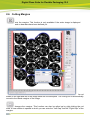
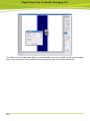
"Template - Use Template" loads the template. This is only possible when no other images are
loaded in the "Merger".