1
Digital Flexo Suite for Flexible Packaging 12.0
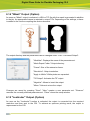
8.5 Adapting Points to the Object Contour
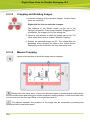
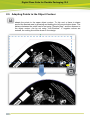
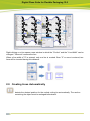
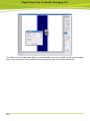
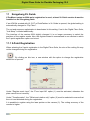
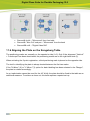
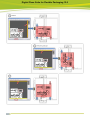
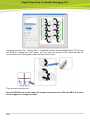
adapts the points to the upper object contour. To this end, a frame is drawn
around the desired area by pressing and holding the left mouse button down. The
distance between the points can be set using "Sample Step", and the distance to
the object contour can be set using "Line Distance". If negative values are
entered, the cutting line will be drawn in the design.