1
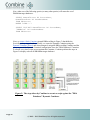
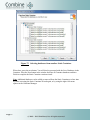
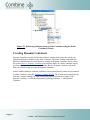
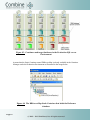
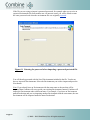
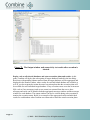
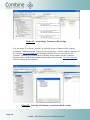
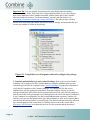
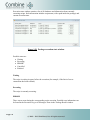
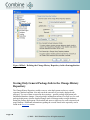
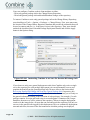
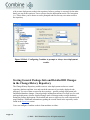
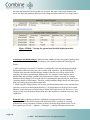
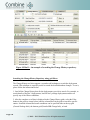
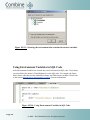
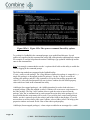
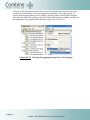
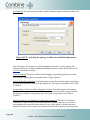
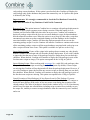
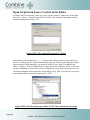
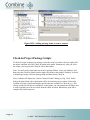
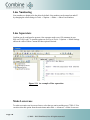
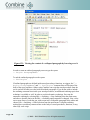
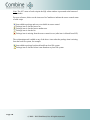
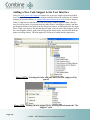
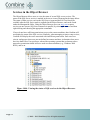
Figure 56: The Container Manager when Development is the active
Environment.
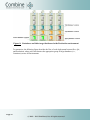
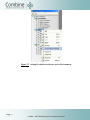
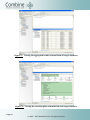
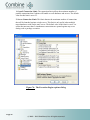
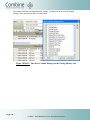
You can set other Environments to be active by right-clicking the desired Environment icon
and selecting Set As Active Environment from the options menu. Doing so will "deactivate"
the previously active environment and will set the new Environment as active.
Page 76
© 2005 - 2015 JNetDirect, Inc. All rights reserved.