1
Digital Projection HIGHlite Cine 330 3D Series
POSITIONING THE IMAGE
Positioning The Image
Notes
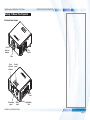
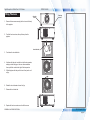
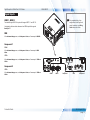
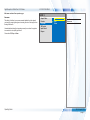
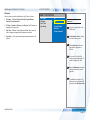
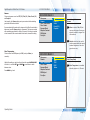
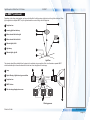
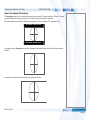
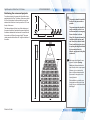
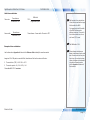
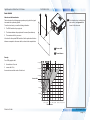
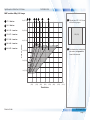
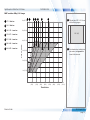
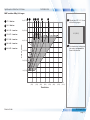
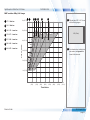
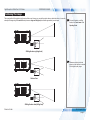
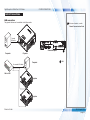
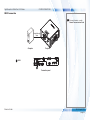
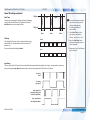
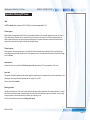
The normal position for the projector is at the centre of the screen. However, you can set the projector above or below the centre, or to one side,
and adjust the image using the Lens shift feature (known as rising and falling front) to maintain a geometrically correct image.
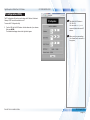
For more information on shifting
the lens, see Control menu in the
Operating Guide.
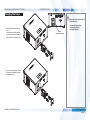
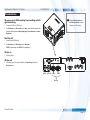
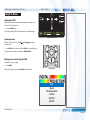
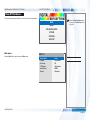
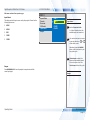
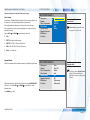
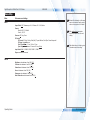
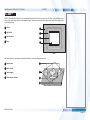
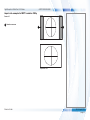
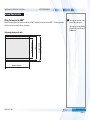
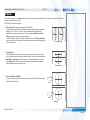
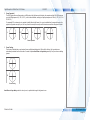
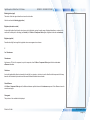
Shifting the lens up (rising front)
Whenever possible, position the
projector so that the lens is centered
for the highest quality image.
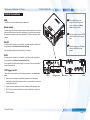
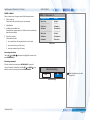
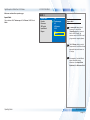
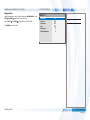
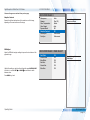
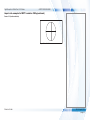
Centered lens
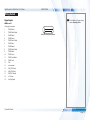
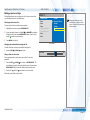
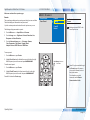
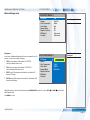
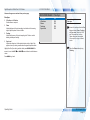
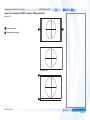
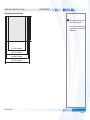
Shifting the lens down (falling front)
Reference Guide
Rev E August 2014
page 81