1
Digital Projection M-Vision 930 Series
Image menu
USING THE PROJECTOR
Notes
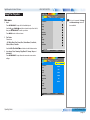
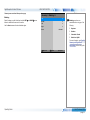
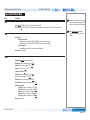
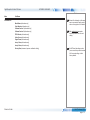
Image >>
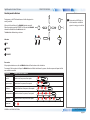
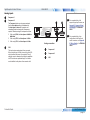
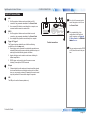
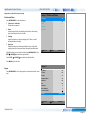
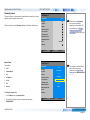
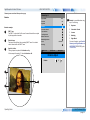
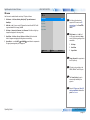
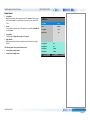
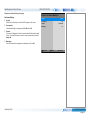
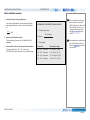
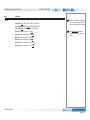
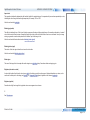
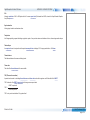
Picture Mode
Picture Mode
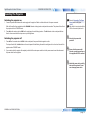
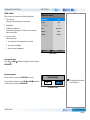
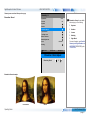
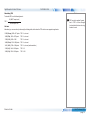
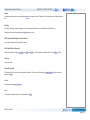
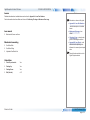
Choose from Bright, Presentation and Video.
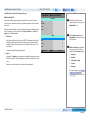
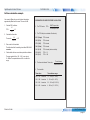
Bright
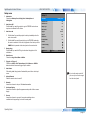
Brightness
100
Contrast
100
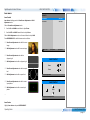
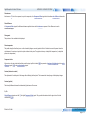
Press ENTER/SELECT to open the list.
Gamma
2.2
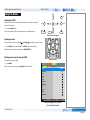
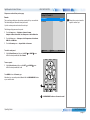
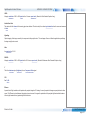
Use the UP
and DOWN
arrow buttons to select a picture mode from the list,
then press ENTER/SELECT to confirm your choice.
Dynamic Black
Off
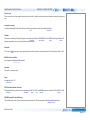
Press MENU to return to the main menu.
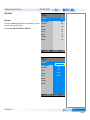
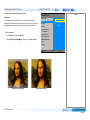
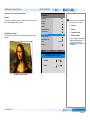
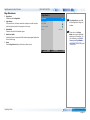
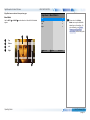
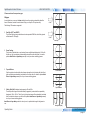
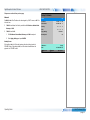
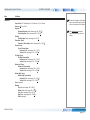
Brightness and Contrast
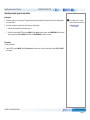
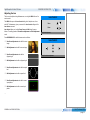
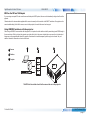
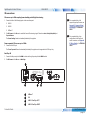
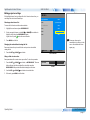
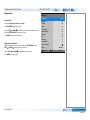
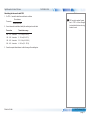
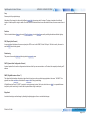
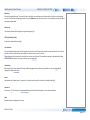
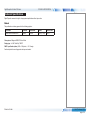
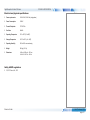
Highlight the setting you wish to edit, and then press ENTER/SELECT, or the
LEFT
or RIGHT
arrow button to open the slider.
Use the LEFT
and RIGHT
arrow buttons to adjust the slider.
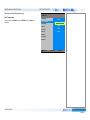
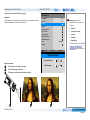
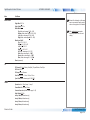
Adaptive Contrast
Off
Saturation
100
Hue
100
Sharpness
0
Noise Reduction
0
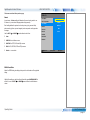
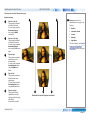
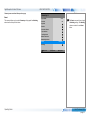
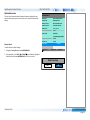
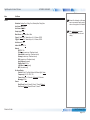
Position and Phase
< Execute >
Resync
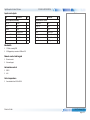
Select Item
Adjust
[Menu] Return
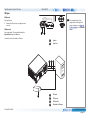
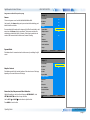
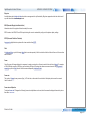
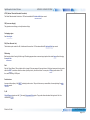
Press MENU to close the slider.
Operating Guide
Rev C February 2015
page 40